Welcome to BONUS TIME.
The sale has officially ended, but with BONUS TIME, we are allowing a bit of a grace period for those in other time zones and who may have put this off for one reason or another.  Enjoy!
Serge Ramelli
Landscape | Urban Photographer
Scott Kelby
CEO of KelbyOne
Greg Benz Photography
Creator Of Lumenzia Panel
Antonio Prado Perez
Top Photo & Video YouTuber In Spain
Piet Van den Eynde
Belgian Photographer, Author & Trainer
Mark Denney
Landscape | Outdoor Photographer
Joshua Snow Nature Photography
Landscape Photographer
Christopher O'Donnell
Creative Processing for Lightroom & Photoshop
John Weatherby
Travel | Landscape Photographer
Christian Hoiberg
Founder of CaptrueLandscapes
Enrico Fossati
World-renown Image Editor
Chris Ewen Crosby
Educator | Landscape Photographer
Serge Ramelli
Landscape | Urban Photographer
Scott Kelby
CEO of KelbyOne
Greg Benz Photography
Creator Of Lumenzia Panel
Antonio Prado Perez
Top Photo & Video YouTuber In Spain
Piet Van den Eynde
Belgian Photographer, Author & Trainer
Mark Denney
Landscape | Outdoor Photographer
Joshua Snow Nature Photography
Landscape Photographer
Christopher O'Donnell
Creative Processing for Lightroom & Photoshop
John Weatherby
Travel | Landscape Photographer
Christian Hoiberg
Founder of CaptrueLandscapes
Enrico Fossati
World-renown Image Editor
Chris Ewen Crosby
Educator | Landscape Photographer

Now Available!

800+ 5 Star Reviews!

The Greatest Hits For Landscape Tutorials

Sale Officially Ends:
Tuesday, March 11th, 2025 Noon Pacific Time

[BONUS TIME] Extended to MIDNIGHT Pacific Time March 11, 2025!

$1,000+ Retail Value.
‍Just $177 $77 - Save 95%+

BONUS TIME Ends In:

##
DAYS
##
HOURS
##
MINUTES
##
SECONDS

Bundle only available for limited time. Buy Today!

Buy Now
Sponsored in part by
Mylio
Evoto AI
Creative Highway

Get all these products via the Pro Bundle!

MAIN BUNDLE:

$1,000+

in Retail Value
Main Bundle:

$77

5 days only!

To thrive as a photographer, you need more than a perfect angle, great light, and a camera. True photography mastery requires continuous learning and growth.

Prepare yourself for modern techniques, simple hacks,  business secrets, and plenty of inspiration to unleash your inner genius.

Sale Officially Ends

Thursday

March 11th

Noon PacifiC
- [BONUS TIME] - EXTENDED TO Midnight Pacific Time!
‍
All prices in USD
Instructors


Join the finest in the outdoors!

World-renowned landscape photography leaders and educators!

Serge Ramelli
Landscape | Urban Photographer
Scott Kelby
CEO of KelbyOne
Greg Benz Photography
Creator Of Lumenzia Panel
Antonio Prado Perez
Top Photo & Video YouTuber In Spain
Piet Van den Eynde
Belgian Photographer, Author & Trainer
Mark Denney
Landscape | Outdoor Photographer
Joshua Snow Nature Photography
Landscape Photographer
Christopher O'Donnell
Creative Processing for Lightroom & Photoshop
John Weatherby
Travel | Landscape Photographer
Christian Hoiberg
Founder of CaptrueLandscapes
Enrico Fossati
World-renown Image Editor
Chris Ewen Crosby
Educator | Landscape Photographer

Some instructors and products are only available in our Pro bundle.

The Landscape Photography Bundle isn't for everybody.

..but it might be right for you if you are a:
Photographers of all levels image
Small Business Owner

Your client roster is only as good as your pitch, your portfolio, and the way you operate. Most photographers aren't trained in the art of business, but it's a critical aspect of getting more work—especially in this market. This bundle has the training you need.

Working creatives image
Casual Photographer

You're on the verge of capturing the shots you’ve always imagined. The only thing holding you back is the technical side. With the right tools and guidance, your photography can become the art you envision. This bundle is designed to help you create photos that truly stand out.

Woman Creatives
Independent Creative

With AI advancements, standing out online is becoming increasingly challenging. You possess the skills but a creative edge is needed to command attention. This bundle equips you with everything needed to capture, edit, and market incredible work that gets noticed.

Photography Pros and Educators from this bundle have worked with these brands and more!

Over $1,000 in value

Main Bundle

Unlock the ultimate photography kit! This themed bundle features the greatest hits from our past collections—top educators and the most valuable landscape photography resources. With expert-led courses on landscape photography, time-saving workflows, and advanced techniques, this kit will help you master the art of capturing breathtaking scenery.

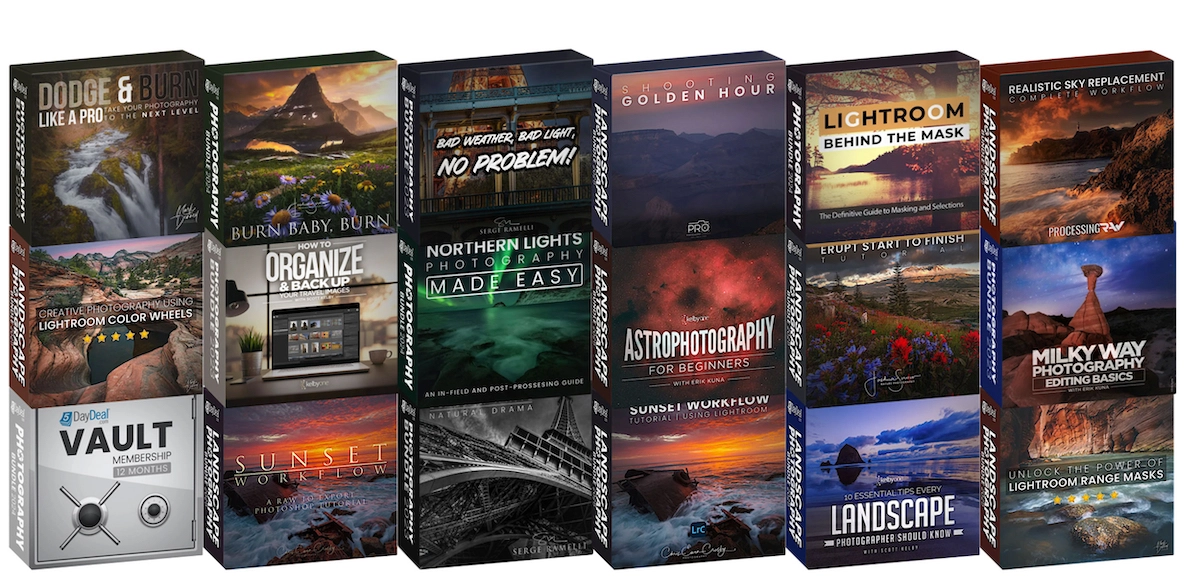
The Main Bundle includes 18 products:

Retails for
$
99.00
A Journey Into The World of Forests ESP
Un viaje al mundo de los bosques
Landscape
Photoshop
Inspiration
by
Enrico Fossati
La clase magistral hablará sobre la inspiración y el procesamiento de escenas del bosque para representarlas con un estilo pictórico y de fantasía especial.

Un viaje al mundo de los bosques es una colección de videotutoriales para procesar fotografías de paisajes forestales con un toque fantástico y pictórico que he desarrollado a lo largo de los años. Tras muchos años fotografiando bosques y arroyos, he decdido crear una colección de vídeos centrados en este género fotográfico que tanto me gusta. Esta serie de videos tratará sobre la inspiración y el procesado de escenas forestales para dotarlas de un estilo fantástico y pictórico especial.
 
La serie se compone de 6 Videos más una introducción en la que explico de principio a fin el proceso de las imágenes con una duración de unas 6 horas. El procesado que explico se caracteriza por un fuerte componente artístico en el que es necesario un cierto trabajo manual. Una vez aprendida esta habilidad, podrás tener la capacidad de desarrollar tus propias imágenes únicas.

Learn more
Retails for
$
99.00
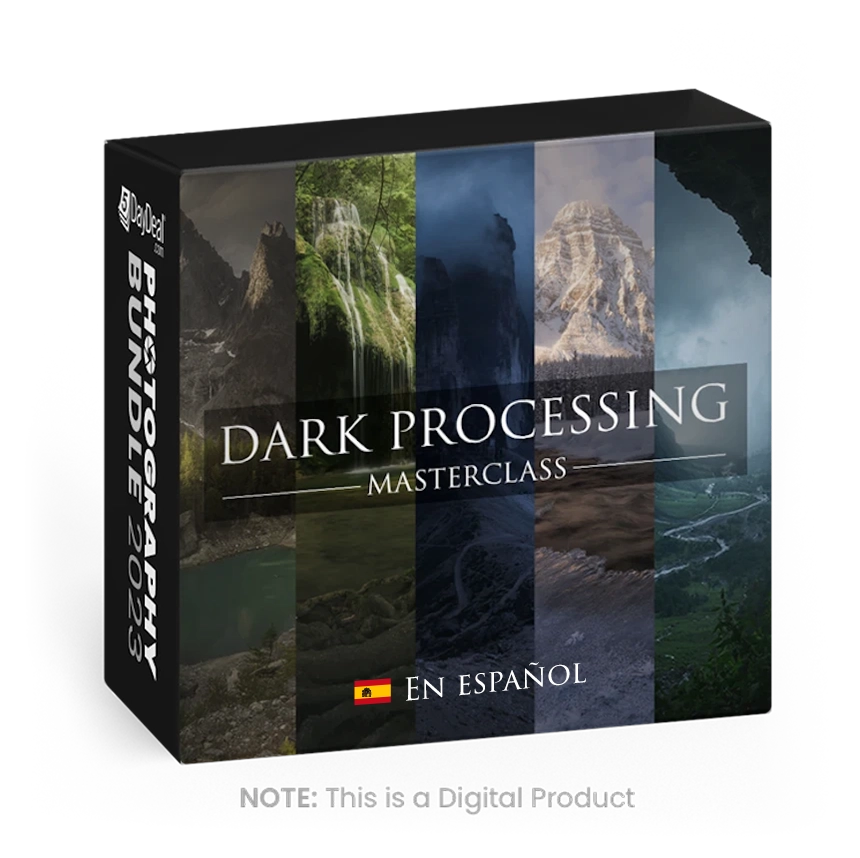
Dark Processing and Mastering the Mood ESP
Landscape
Manual Mode
Composition
by
Enrico Fossati
Dark Processing Masterclass es una colección de vídeos formativos sobre la edición de fotografía de paisaje con un “aspecto oscuro y una atm.

Dark Processing Masterclass es una colección de vídeos formativos sobre la edición de fotografía de paisaje con un “aspecto oscuro y una atmósfera épica”. Hice mi primera fotografía de este tipo en 2013 y lancé la primera versión de estos vídeos en 2017. El Dark Processing es uno de los estilos de postprocesado más populares e imitados entre los fotógrafos de paisaje. Y ahora lanzo un nuevo paquete de vídeos explicando las técnicas necesarias para transformar cualquier fotografía de paisaje en una escena épica.

Esta Masterclass está compuesta por 5 vídeos, donde muestro todo, de principio a fin, a lo largo de unas 5 horas. Todos los procesos explicados en estos vídeos se caracterizan por necesitar una cantidad importante de trabajo manual de edición y que una vez aprendidas las técnicas, te garantizan tener la habilidad de poder transformar tus propias fotografías.

Estas son las técnicas usadas y explicadas en los vídeos:
​
- Generación de panorámicas

  • Fusión de distintas perspectivas

  • Fusión de distintas exposiciones

  • Fusiones manuales

  • Color Grading

  • Dominantes de color

  • Fusión de distintos momentos (Time Blending)

  • Dodge & Burn

  • Uso de las máscaras de luminosidad

  • Durante mis vídeos muestro cómo aplicar distintos efectos que he ido experimentando a lo largo de los años y que forman parte de mi flujo detrabajo habitual, incluyendo efectos de luz suave, luces difusas, oscurecimiento, creación de luz, etc...​

El software utilizado en los videos es Adobe Photoshop CC2020, Adobe Bridge, ACR, DxO, Nik Collection, Topaz Detail now Adjust, Tony Kuyper TK7 Panel.

NO ES NECESARIO TENER LA ULTIMA VERSIÓN DE PHOTOSHOP. La última versión compatible con estos vídeos es Photoshop CC (lanzado en 2013)

SE NECESITA TENER CONOCIMIENTOS BÁSICOS DE PHOTOSHOP

Learn more
Retails for
$
30.00
Fotografía desde dentro: Pjofafoss
Pjofafoss
Composition
Landscape
Post Processing
by
Antonio Prado Perez
Desde la planificación hasta el posprocesamiento, este curso ofrece una mirada única y profunda a la fotografía de paisajes.

"Fotografía desde dentro: Pjofafoss" proporciona una guía completa para capturar impresionantes fotografías panorámicas de la cascada de Pjofafoss en Islandia.

Learn more
Retails for
$
30.00
Fotografía desde dentro: Stokksnes
Stokksnes
Composition
Landscape
Post Processing
by
Antonio Prado Perez
Aprenda técnicas avanzadas para capturar paisajes, paisajes marinos y cielos.

Este curso de fotografía en profundidad ofrece una perspectiva única, llevándote detrás de la lente para capturar los impresionantes paisajes de este emblemático lugar de Islandia: Stokksnes.

Learn more
Retails for
$
37.00
Subtítulos en español
Landscape Photography Bundle 2025
Works on Mac + PC
Inspiration
Workflow
by
Con la compra del paquete en español, no solo obtienes acceso de descarga incluido, sino que también obtienes archivos de subtítulos en español para cada video tutorial de descarga elegible para que puedas seguir y aprender de algunos de los mejores educadores de fotografía del mundo.

Con la compra del paquete en español, no solo obtienes acceso de descarga incluido, sino que también obtienes archivos de subtítulos en español para cada video tutorial de descarga elegible para que puedas seguir y aprender de algunos de los mejores educadores de fotografía del mundo.

¡El paquete completo contiene más de 30 horas de tutoriales y subtítulos descargables que cuestan más de $3,000 solo para crear los subtítulos! ¡Los recibirás incluidos con tu compra hoy! ¡Disfrutar!

Learn more
Retails for
$
119.00
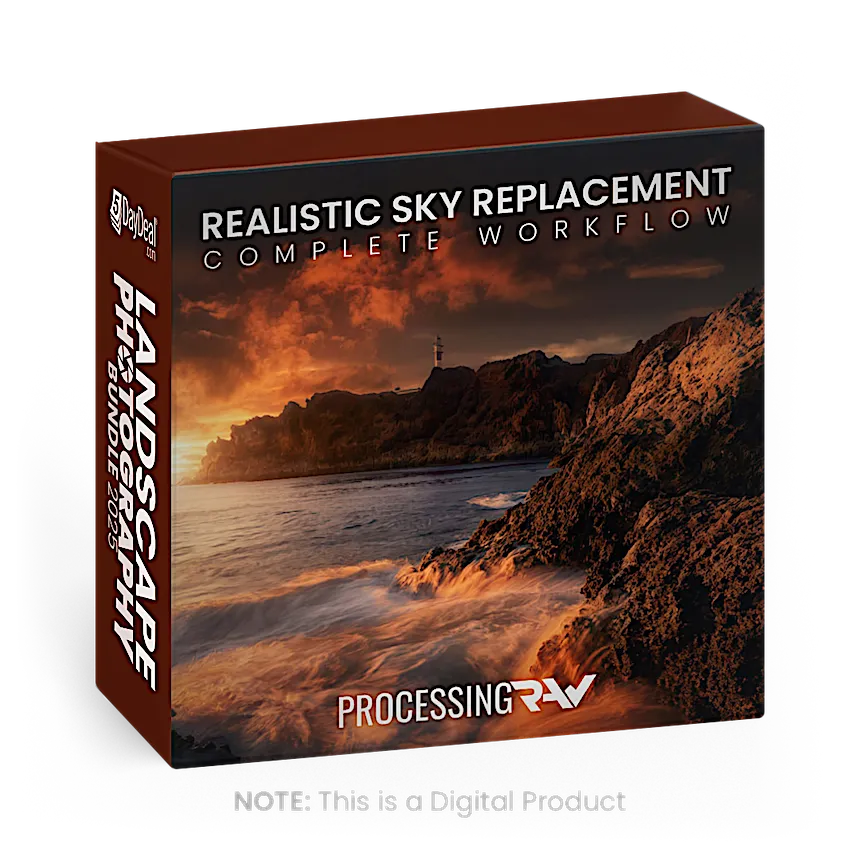
Realistic Sky Replacement Complete Workflow
Learn how to correctly replace skies
Landscape
Photoshop
Video Tutorial
by
Antonio Prado Perez
Learn how to replace the skies in your picture using the replacement sky tool in photoshop with a complete and realistic workflow.

In this tutorial, Antonio is going to share an advanced and complete workflow to replace the sky in all your landscape photos in the most realistic possible.

To do this, we will not only use the sky replacement tool we have in Photoshop but I will also show you all the tricks I have learned to make the sky replacement flawless.

Since the sky replacement tool appeared a couple of years ago, I have seen many, many photos where the use of the tool is rather obvious and exaggerated, and I have tried to create a way where we can replace the sky in a very subtle way, resulting in realistic photos.

After 2 years of working and improving the workflow I can summarize it in the next 5 steps:

  1. RAW DEVELOPING
  2. SKY REPLACEMENT
  3. OVERALL LIGHT ADJUSTMENTS
  4. LIGHTING EFFECT
  5. FINE ART

What software will you need?

Basically, Photoshop is the only software you must own, but alternatively, I´ll be using a RAW developer to my like such as Capture One (you can also use Lightroom, Camera RAW, or whatever tool you are used to), and a plugin that is totally a game changer within Photoshop, as the Tony Kuyper plugin. It really boosts Antonio's workflow, letting him create in one touch any kind of selection, masks, luminosity masks, and virtually anything you can imagine. If you don’t have it yet…go and try it, you can even find a free version.

5 chapters around 20 minutes each describing the complete workflow about how to replace skies in Photoshop.

Additionally, you can download my complete pack of skies in high resolution, so you can use them in your own edits.

Learn more
Retails for
$
97.00
Lightroom: Behind the Mask
The Definitive Guide to Masks and Selections
Landscape
Post Processing
Lightroom
by
Christopher O'Donnell
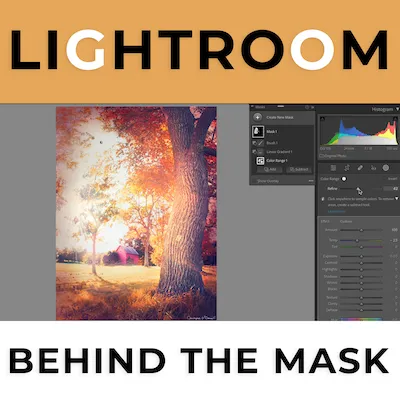
Master Lightroom's masking panel to 10x your image quality. This comprehensive workshop covers everything from basic to pro-level techniques.

The introduction of the masking panel has been the most transformative update that Lightroom has received since it launched, and it’s easy to see why…

The ability to isolate your adjustments to a localized area of your frame – whether it’s a range of light, color, or a specific subject – is the key to higher-quality processing… and thus, higher-quality final prints.

To make this in-depth course easily digestible, I’ve divided the content into two main sections:

SECTION ONE: Masking Panel Foundations

To start, we’ll dive deep into the basic masking principles and methods, where you’ll find answers to questions such as:

  •  How is masking fundamentally different from my other adjustments, and what exactly makes masking so powerful?
  • How can I leverage masks to benefit ME and my workflow?
  • When should I use masks, and when should I NOT use them?
  • What’s the difference between masks, selections, and layers…and how do they work together in the masking panel? 
  • What is the best way to add a new mask, and how do I alter existing ones? 
  • What do intersect, invert, and subtraction masks do…and why would I use one over the other? 

Not only will this bring absolute clarity to the masking panel as a whole, but will provide a stable foundation before learning the individual masking methods (such as color range, object selection, etc).

This will get you about 80% of the way there to being a masking expert…

And will also make the rest of the masking panel a piece of cake to learn!

SECTION TWO: Masking Mastery with Selection Methods

Once you have an in-depth understanding of the basic principles and concepts of the masking panel (the how, why, and when of masking), you will then be fully equipped to explore the individual selection methods.

Now, each selection tool shares the same basic goal: it’s a way to isolate part of your image for adjustment. However, the key to using masks successfully is to know which method will give you the most precise and flexible mask…

In the fastest way possible, but without sacrificing quality.

This is my favorite part of the course because this is where we explore their unique attributes and learn how to leverage them to create the best mask possible…

It’s where everything comes together and makes perfect sense.

Now I’ve been using masks over in Photoshop since I first made the switch to digital back in 2007…

There’s just absolutely no replacement for the power, flexibility, and QUALITY that masks and layers provide…and probably never will be.

They can enhance virtually ANY adjustment you make in Lightroom, and are the key to obtaining that final “polish” that the professional-grade photographs all seem to have.

So the fact that we now have that incredible power in the Lightroom ecosystem is an absolute game-changer for landscape photographers of all skill levels.

If you feel like your landscape photographs are lacking that special “something”, but you can’t quite put your finger on it, or if you’ve otherwise struggled to create meaningful images you can be truly proud of…

Then you don’t want to miss this, because you'll love what the masking panel can do for you!

Learn more
Retails for
$
117.00
Shooting Golden Hour Scenes
Guide to Photographing & Editing Golden Hour
Photoshop
Lightroom
Lightroom Presets
by
John Weatherby
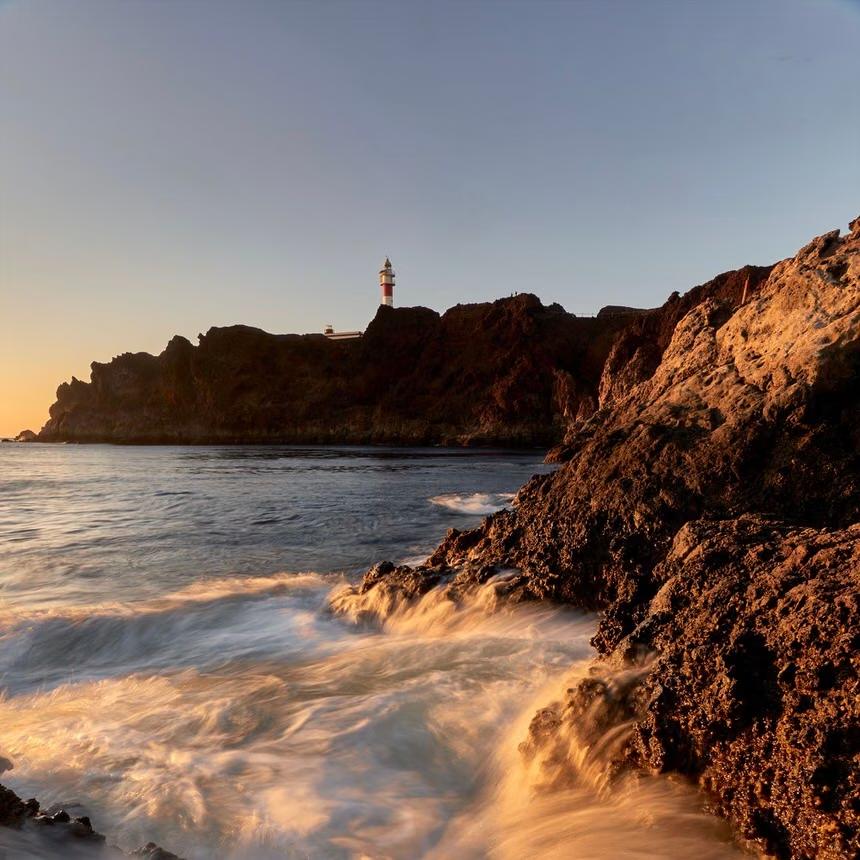
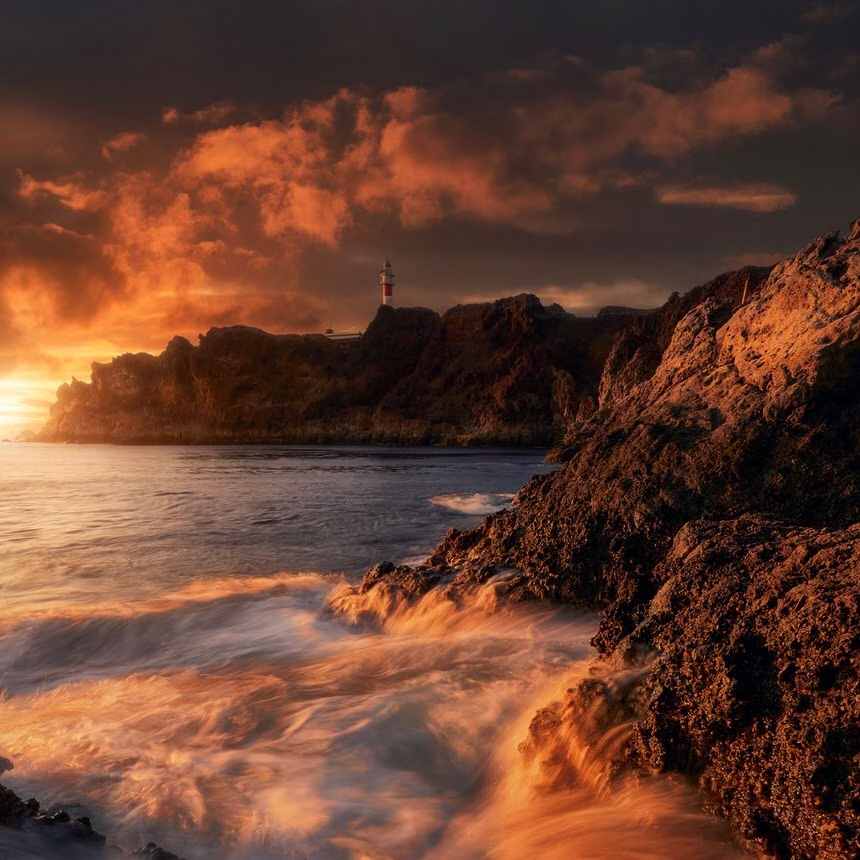
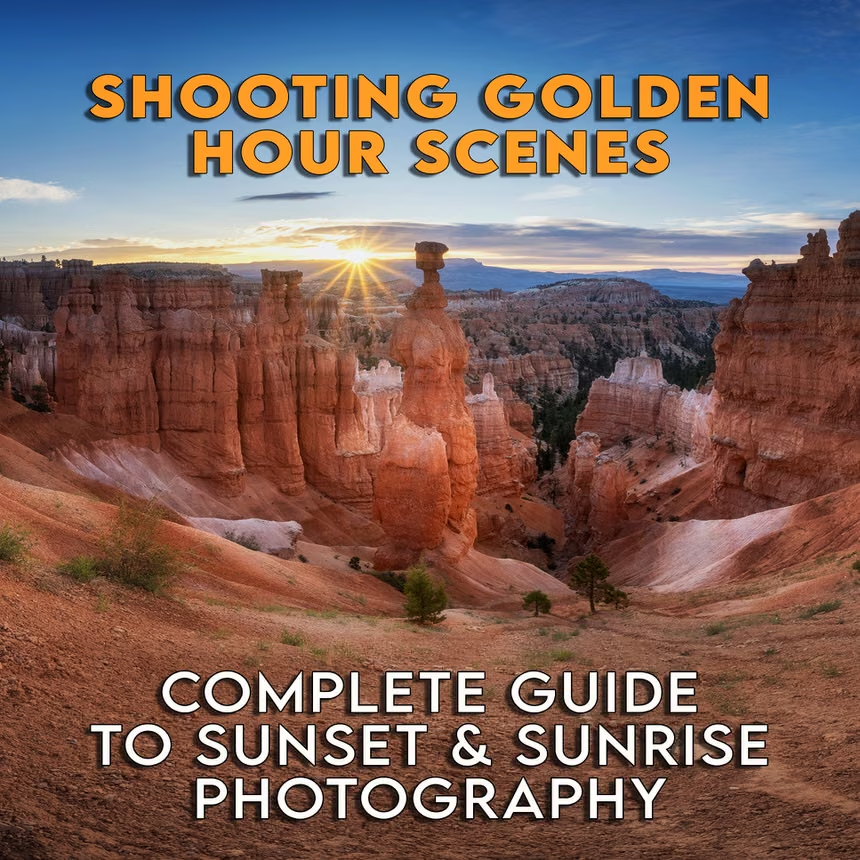
Photographing and editing golden hour scenes.

A complete guide to photographing and editing golden hours scenes. Starting in the field with the settings and composition, and then finishing in the studio with a complete post-processing workflow.

Learn more
Retails for
$
147.00
Bad Weather, Bad Light, No Problem!
Don't let bad weather or lighting stop you
Photoshop
Lightroom
Post Processing
by
Serge Ramelli
Learn how to take a photo with BAD lighting to dramatic in just a few minutes.

Ever just decided not to take photos because all of a sudden the weather wasn't ideal? It can be a waste of time and money especially if you've traveled a long way to take the photos. I have made a course to show you what methods and techniques we can use to our advantage when we have bad weather and bad light!

Learn more
Retails for
$
59.99
Burn Baby, Burn
A start to finish tutorial
Landscape
Composition
Photoshop
by
Joshua Snow Nature Photography
This video takes you through the processing of this amazing scene of wildflowers, mountains and a fiery sky.

Follow along as I take you through the post processing of my latest image. A fiery sunset in Glacier National park, stunning wildflowers, smokey skies and big mountains, my favorite combination. This tutorial is nearly 2 hours long with no fluff, no filler, just pure creative, high level editing in Adobe camera raw and photoshop. Practice file included.

Learn more
Retails for
$
99.00
The Lightroom Landscape
20 Essential Lightroom Techniques
Landscape
Lightroom
Post Processing
by
Piet Van den Eynde
In this course, Adobe Lightroom expert Piet Van den Eynde covers 20 essential Lightroom techniques every landscape photographer should know.

The Lightroom Landscape \n 20 Essential Lightroom Techniques Every Landscape Photographer Should Know

Are you ready to take your landscape photography to the next level? The Lightroom Landscape is a comprehensive video course designed to help you master some of the most important editing techniques that will bring your outdoor shots to life.

📷 Transform Your Photos with Expert Techniques \n From lens corrections and straightening to advanced masking, HDR merging, and AI-powered enhancements, this course covers everything you need to edit your landscape captures into breathtaking photos.

🌄 These are just a few of the things you will learn: \n ✅ Fix lens distortions and straighten images for perfect compositions \n ✅ Master shadows, highlights, vibrance, and saturation for maximum effect

✅ Understand the difference between essential tools like Sharpening, Dehaze, Clarity, and Texture. \n ✅ Enhance and manipulate skies for dramatic, eye-catching results \n ✅ Merge HDR photos, create seamless HDR panoramas, and even remove distractions like people from your landscapes

✅ Master precision editing with Lightroom’s powerful masking tools \n ✅ Unlock the power of intersecting masks to create seamless and natural looking local adjustments \n

Whether you're a beginner or an experienced photographer, these 20 must-know techniques will help you unlock Lightroom’s full potential and create breathtaking, professional-quality landscapes with ease.

Most Lightroom courses barely scratch the surface of what’s possible with masking, but in The Lightroom Landscape, you’ll learn advanced masking workflows that give you total control over your edits—without the need for Photoshop.

👉 Ready to transform your landscape photography? Enroll today!

Learn more
Retails for
$
29.00
Milky Way Photography Editing Basics
With Erik Kuna
Landscape
Lightroom
Photoshop
by
KelbyOne
Learn the latest techniques for quickly and easily editing your Milky Way photographs.

Learn the latest techniques for quickly and easily editing your Milky Way photographs! Join Erik Kuna for an update to his original class on the basics of Milky Way post-production. A lot has changed since that first class came out, and Erik takes you through his workflow step by step on a variety of photos in both Lightroom Classic and Photoshop. Be sure to download the practice files and follow along at your own pace to hone your skills. From single exposures to blending multiple photos and from panoramas to making the best of cloudy skies, you’ll learn the basics for processing all of your Milky Way photographs.

Learn more
Retails for
$
49.99
Erupt
Start to Finish Tutorial
Landscape
Post Processing
Photoshop
by
Joshua Snow Nature Photography
An in-depth start-to-finish post processing tutorial, including several tricks to creating stunning works of art.

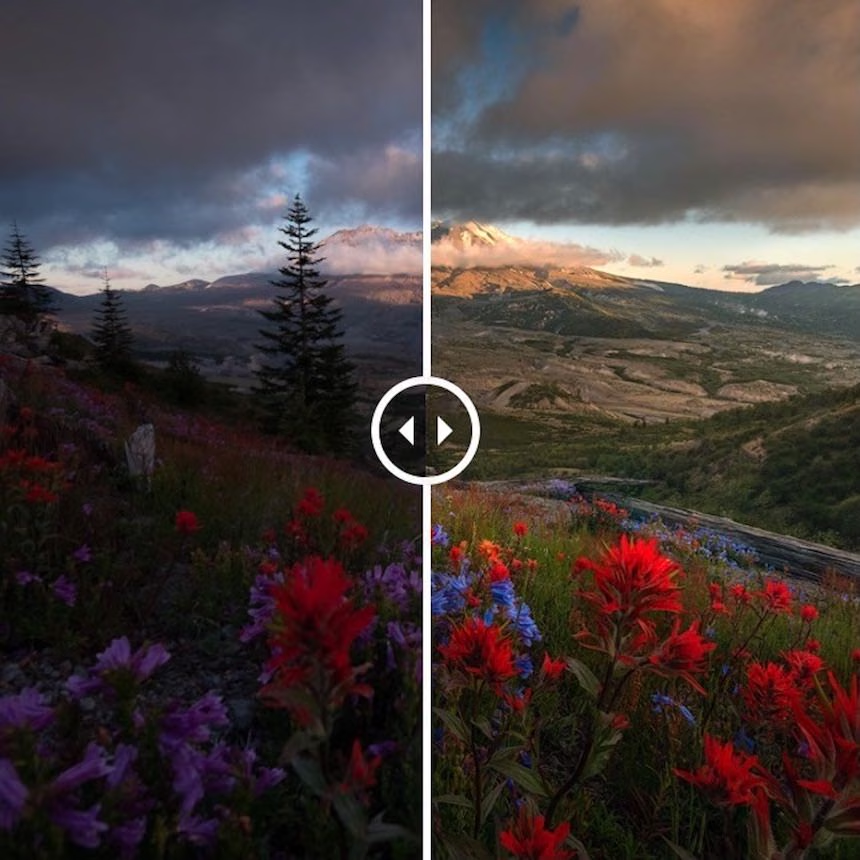
In this in depth, start-to-finish video tutorial Joshua takes you through the processing of an entire image. An image that gave him great challenges, and used lots of different tricks! Take a look behind the curtain of his post processing in this image of Mount St. Helens, taken in the summer of 2019, amidst a 6-week trip through the Pacific Northwest.

Learn more
Retails for
$
29.00
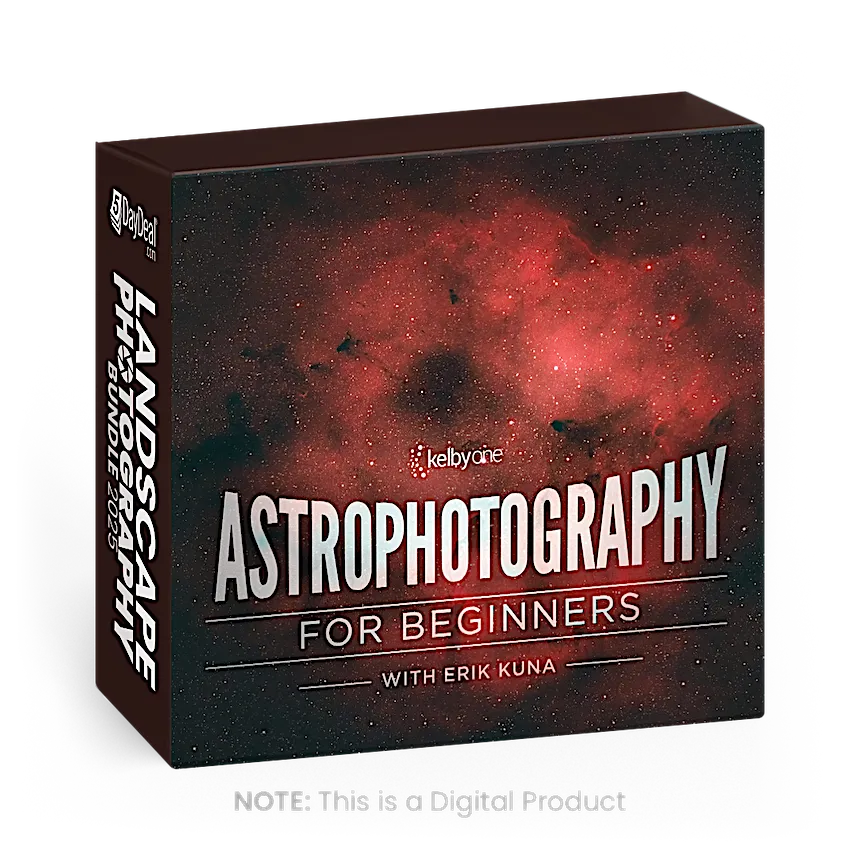
Astrophotography for Beginners
With Erik Kuna
Online Course
Landscape
Inspiration
by
KelbyOne
Join Erik Kuna in this astrophotography course with a focus on photographing nebulas, star fields, the moon, and the planets as a beginner.

Expand your photographic horizons with telephoto astrophotography! Join Erik Kuna in this astrophotography course with a focus on photographing nebulas, star fields, the moon, and the planets from a beginner’s perspective. You probably have all the gear you’ll need (except for a star tracker), and Erik will take you through the fundamentals to get you out shooting. In this class you’ll learn the terms and considerations for deep sky astrophotography, the importance of starting simple, how to select a star tracker, planning for the weather and moon phases, focusing for sharpness, mastering exposure, dealing with light pollution, stacking final images, and so much more!

Learn more
Retails for
$
49.90
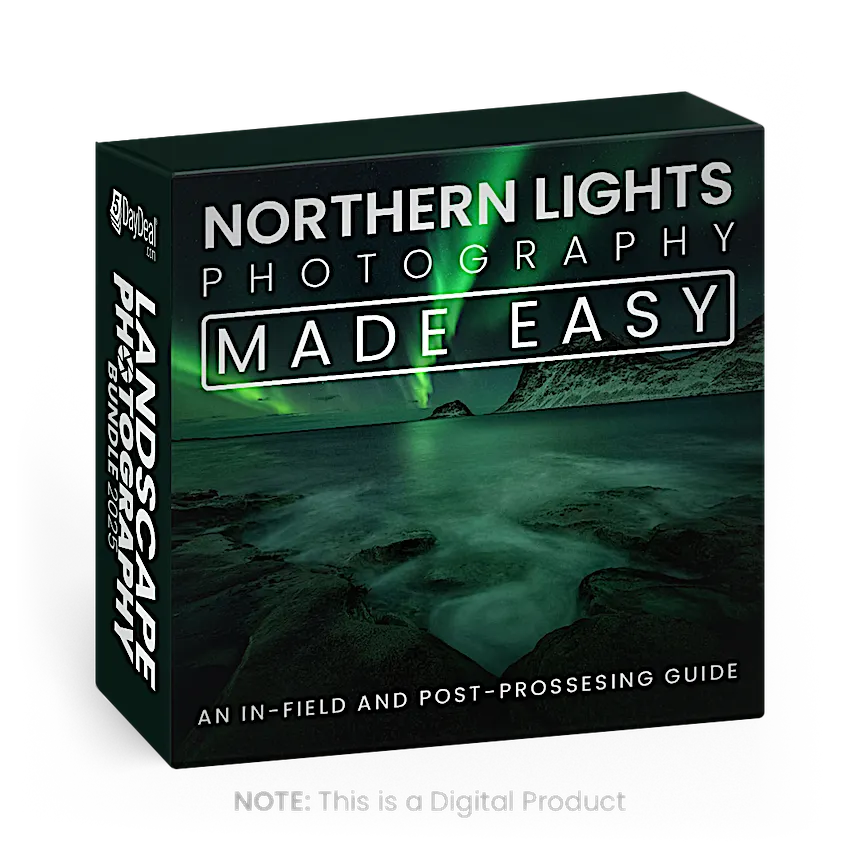
Northern Lights Photography Made Easy
Create amazing Northern Lights photos
Landscape
Video Tutorial
Post Processing
by
Christian Hoiberg
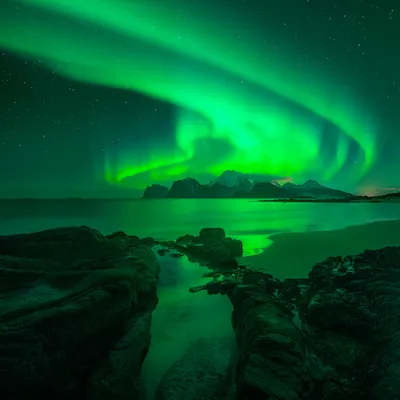
Northern Lights Photography Made Easy is a comprehensive video course that shares the secrets of creating amazing Northern Lights photos.

Photographing the Northern Lights is an experience that will stick with you the rest of your life. It's a highlight for most outdoor photographers or nature lovers.

Unfortunately, capturing good photographs of the Northern Lights, or Aurora Borealis, isn't as straight forward as one would like. 

As if night photography isn't already difficult enough, adding the dancing Northern Lights makes things a lot more complicated. 

It's a genre of photography that requires a solid understanding of your camera and a handful of in-field or post-processing techniques. Not acknowledging these factors lead to images that fail to convey the amazing experience you had. 

That doesn't need to be the case. Northern Lights photography doesn't need to be stressful and difficult. By implementing just a few extra approaches into your workflow, you'll soon capture images that are worthy an award. 

Through this course, you'll learn all the essentials of _capturing _and _processing _images of the Northern Lights. 

What You'll Learn

Northern Lights Photography Made Easy is a comprehensive course that's designed to help you capture amazing images of the night sky's most amazing phenomenon. It covers both in-field and post-processing techniques and is taught in an easy-to-understand manner.

In-Field Guide to Northern Lights Photography

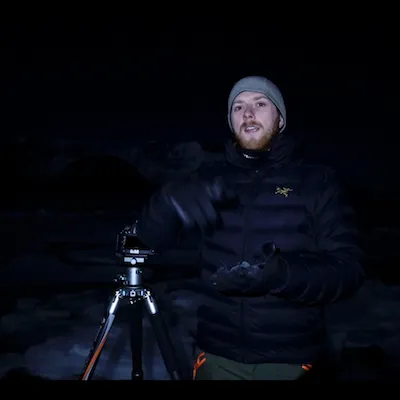
Filmed in the picturesque Lofoten Islands of Northern Norway, you'll be guided through the exact steps that I follow in creating all my Northern Lights images. Here you'll not only learn the ideal camera settings but also how to approach a scene in the dark.

The in-field video teaches you how to master:

- Camera gear for night photography

  • Applying the best settings for any Northern Lights scenario
  • Creating compelling compositions
  • Overcoming the camera's limitations

Those who have witnessed the Northern Lights know that its intensity can change in just seconds. This means you need to adapt to any situation and that there isn't a 'one approach that always works'. Through this part of the course, you'll learn how to adapt to any situation and capture the best possible files to work with.

Post-Processing in Lightroom & Photoshop

The foundations for a good photo are laid in the field but it's in post-processing that we make it stand out. This is the step that many fail to acknowledge. You don't need to make huge adjustments though. Sometimes, a few corrections in a photo editor is enough to make a difference.

In the post-processing part of this course, you'll learn different ways of processing your Northern Lights photographs in Adobe Lightroom and Adobe Photoshop. There are workflows here that are suited for both complete beginners and more experienced users.

These videos don't only focus on how to work with color, contrast and luminosity for a night photo but also how to obtain the highest quality possible. Use these techniques and you'll be able to make large prints that aren't ruined by high amounts of noise. 

The post-processing videos will teach you:

  • How to prepare Northern Lights photographs in Adobe Lightroom
  • How to focus stack and exposure blend images in Adobe Photoshop
  • How to work with color, exposure and contrast for the Northern Lights
  • Useful techniques for processing night images
  •  ... and a complete Adobe Lightroom workflow

Note that the techniques taught here are just as suitable for 'regular' night photography as for Northern Lights photography.

A Downscaled Workfile is Included

You might not have been able to photograph the Northern Lights yet, perhaps it's something you've planned for in the near future, so I've included a downscaled file for you to work with through the course. This makes it easy for you to apply and learn the useful post-processing techniques that will help your night photographs stand out. 

Learn more
Retails for
$
29.00
How to Organize & Back Up Your Travel Images
With Scott Kelby
Workflow
Lightroom
Techniques
by
KelbyOne
Have you ever wondered how to stay backed up and organized when traveling? Well then, this is the class for you.

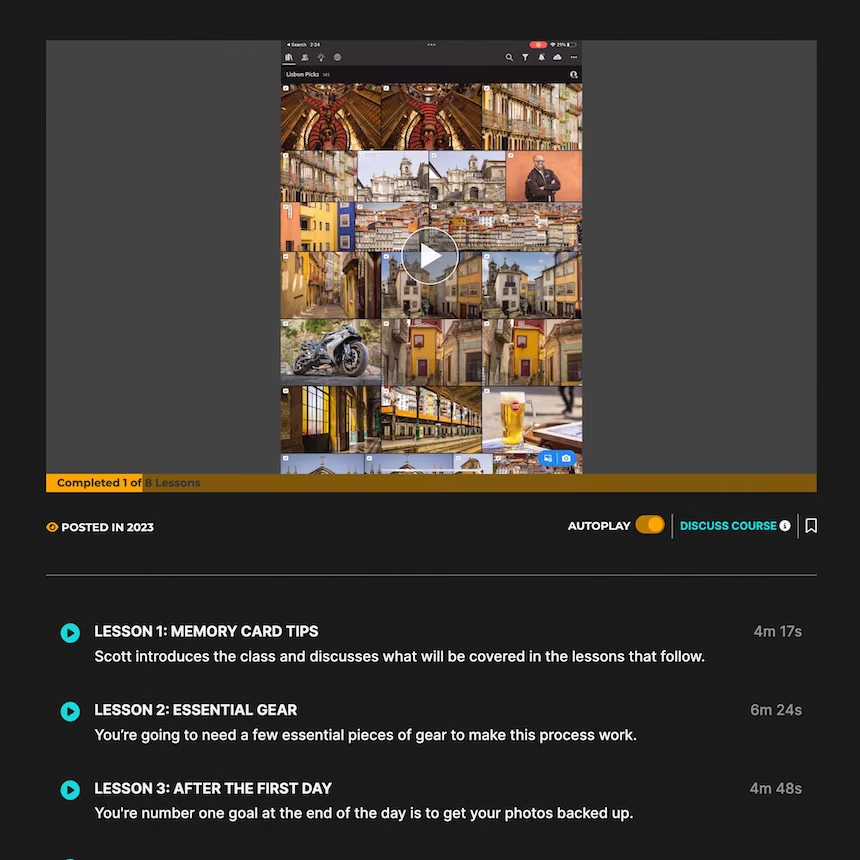
Have you ever wondered how to stay backed up and organized when traveling? Well then, this is the class for you! Join Scott Kelby as he takes you through his exact travel workflow where he discusses what he does to set up his camera, his strategy for organizing and backing up his photos at the end of every day, and how to get it all back into his master catalog when he returns home. Throughout each lesson, Scott shares tips and tricks that have helped him stay in control and ensure no photos go missing. At the end of the class, Scott shares a couple of alternative workflows that don’t require a laptop.
Learn more
Retails for
$
44.99
Creative Photography Using Lightroom Color Wheels
Harness the creative power of Lightroom Color Wheel
Landscape
Lightroom
Video Tutorial
by
Mark Denney
Identifying our own personal style when it comes to photo editing is something many of us are working towards. Lightroom provides a multitude of ways to impact color, but one of the newest and most capable tools available to us in Lightroom is Color Wheels.

Identifying our own personal style when it comes to photo editing is something I think many of us are working towards. And, one of the best ways to develop your creative style is by focusing on the colors contained within your images. Lightroom provides a multitude of various ways to impact color, but one of the newest and most capable tools available to us in Lightroom is Color Wheels. Color Wheels enables us to get highly creative and targeted with how we colorize specific tones within our images. In this class we’ll review the many ways that you can improve the overall quality along with the creative aspect of your outdoor and landscape photos by harnessing the creative power of Lightroom Color Wheels. 

Learn more
Retails for
$
49.99
Unlock the Power of Lightroom Range Masks
Create Powerful Landscape Photos
Landscape
Lightroom
Video Tutorial
by
Mark Denney
This class discusses the importance of local versus global adjustments and reviews how you can unlock the power of Range Masks.

Perhaps one of the single most powerful and impactful tools within Lightroom is Range Masks. Before the introduction of Range Masks, there wasn’t a way to make highly selective local adjustments inside of Lightroom. This can take your images from good to great! This class discusses the importance of local adjustments versus global adjustments and reviews how you can unlock the power of Range Masks to take your outdoor and landscape photos to an entirely new level.

Learn more
Retails for
$
29.00
10 Essential Tips Every Landscape Photographer Should Know
Photographer Should Know by Scott Kelby
Landscape
Online Course
Techniques
by
KelbyOne
Join Scott Kelby on the amazing Oregon coast and learn everything you need to know to create the best landscape photos you’ve ever taken!

Join Scott Kelby on the amazing Oregon coast and learn everything you need to know to create the best landscape photos you’ve ever taken! There are 10 essential tips that every landscape photographer needs to know, from the right gear and how to use it, to knowing how to prepare before you go and what to do when you are there. As a landscape photographer you want to be able to show people not only what you saw, but how it made you feel when you were there, and with these essential tips, all demonstrated on location, you’ll be able to bring home the kind of images you’ve always dreamed of making.

Learn more
Retails for
$
40.00
Lightroom Sunset Workflow Tutorial
from RAW to print
Workflow
Lightroom
Techniques
by
Chris Ewen Crosby
Just over 2 hours of instruction are included in this complete start-to-finish workflow tutorial video using Adobe Lightroom.

A complete workflow tutorial video using Adobe Lightroom Only.

In this video, I take you from RAW to Print, showing you everything necessary complete the image. I go step-by-step through my complete lightroom process and introduce how I use adjustment tools to target my adjustments to only the areas I want them. I show you how I use lightroom, tips, and tricks for each panel, and talk about the dos and don’ts. The workflow that I show is not only great for sunset photos but is the same workflow that I use on just about any photo.

Consider this a more intermediate course in lightroom. Students should have a basic understanding of Lightroom, but I do touch base on some of the basics.

KNOWLEDGE NEEDED:

  • Some RAW Editing Experience in Lightroom or Camera Raw
    • _Students should be somewhat familiar with Adobe Lightroom or Camera raw. _

TOOLS NEEDED:

  • The latest and most up-to-date versions of Adobe Lightroom (some features may not be available to you, if not).

Topics Covered:

  • RAW Editing / Prep
  • Sharpening and Noise Reduction
  • White balance correction
  • Camera Profile Correction
  • Toning
  • Coloring
  • Using Adjustment Tools for refined adjustments
  • Fnishinging Effects
  • Vignetting
  • Using the Spot Removal Tool
  • Exporting for Web, IG, and Print
Learn more
Retails for
$
147.00
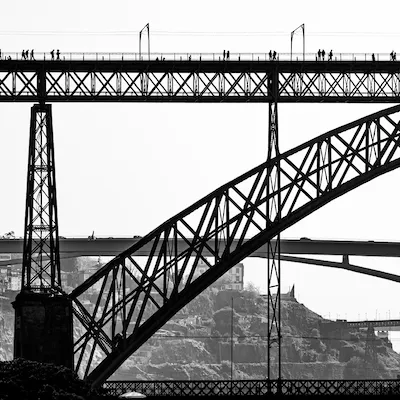
Black and White Natural Drama
Learn master techniques
Lightroom
Photoshop
Post Processing
by
Serge Ramelli
Learn to create dramatic black-and-white photography like the pros without using complicated software.

This is a full masterclass on creating the Art of Natural Drama with Black and White photography using techniques of the masters.

Learn more
Retails for
$
60.00
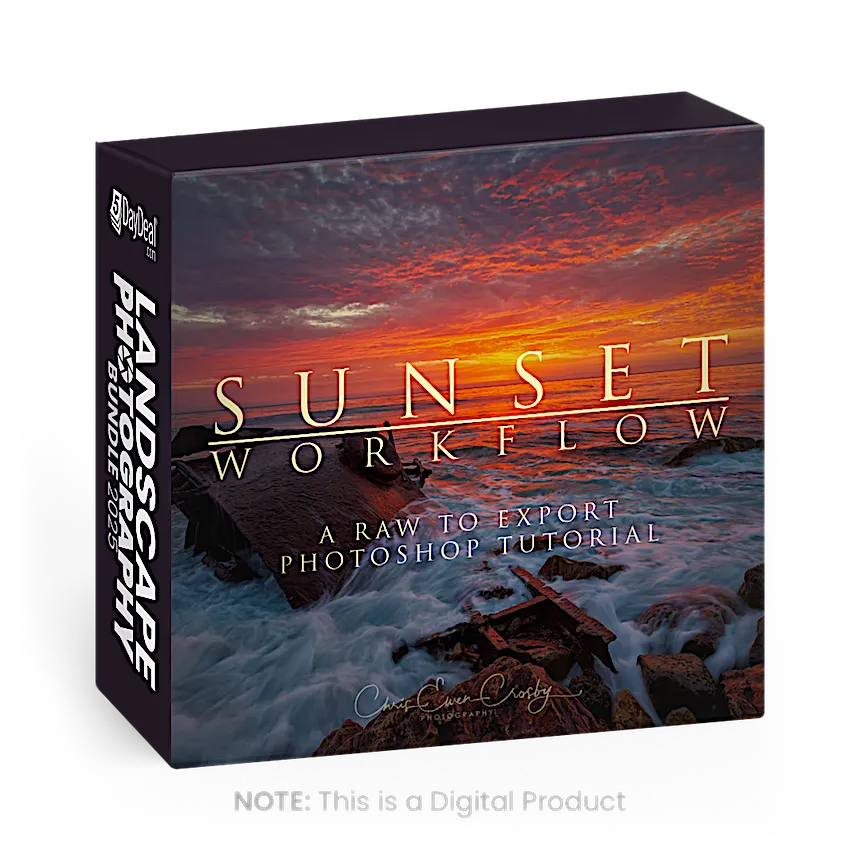
Photoshop Sunset Workflow
Includes almost 3 hours of instruction
Photoshop
Post Processing
Lightroom
by
Chris Ewen Crosby
A complete workflow tutorial video using both Adobe Lightroom and Photoshop. In this video Chris takes you from RAW to Print, showing you everything necessary to complete the image.

A complete workflow tutorial video using both Adobe Lightroom and Photoshop. In this video, Chris takes you from RAW to Print, showing you everything necessary to complete the image.

He goes step-by-step through his complete photoshop process and introduces how he uses luminosity masks to target his adjustments to only the areas he wants them. Chris also introduces the Nik Collection, an add-on to Adobe to help finish his photos.

Consider this a more intermediate than a beginning course in Photoshop. Students should have a basic understanding of Photoshop, including tools, layers, adjustment layers, and masks, but he does touch base on some of the basics.

Topics Covered:
- RAW Editing / Prep
- Sharpening and Noise Reduction
- White balance correction
- Camera Profile Correction
- Using Luminosity Masks - Free Photoshop Action Included to create your own!
- Using Layer Modes, Blend If, and Masking
- Toning using Curves
- Coloring
- Dodging and Burning
- Finishing your image
- Using Nik Collection
- The Orton Effect
- Vignetting
- Using the Clone Tool
- Exporting for Web, IG and Print

Learn more
Retails for
$
54.00
5DayDeal® VAULT Membership
12 Month Access from Date of Purchase
Online Tool
Online Course
Workflow
by
5DayDeal® VAULT by Creative Highway™ provides unlimited access to your previously purchased courses hosted on Creative Highway from 2020 and beyond. Log in anytime and from anywhere in the world.

VAULT ensures automatic access to all courses hosted by Creative Highway and is included in the 2024 Photography Bundle for 1 year. If you purchased a 5DayDeal® bundle since 2020, you will receive continued access to those bundle products as part of your purchase today. Enjoy!

With the VAULT membership, purchasers of any 5DayDeal Bundle from 2020 - 2023 will have access to ongoing streaming access or can choose the option to download the downloadable courses at any time in the future for as long as their membership is active. For 2023 and 2024 bundles, Download Access of tutorial videos is an optional purchase, but once purchased, vault membership grants continued access to those as well. This means, that if you purchased the 2020 - 2023 Photography or Video Creator Bundles, you will have EVEN MORE TIME to make your way through those resources before they disappear. Here’s everything you get with VAULT:

  • Reassurance of knowing, that if your computer crashes or you can’t remember your password to the cloud, you continue to view and enjoy any of your courses from the 2024 Photography Bundle or ANY of the previous bundles you may have purchased from 5DayDeal EVER.
  • The means of returning to 5DayDeal courses you may have streamed since 2020, but need refreshers on.
  • The gift of time: chances are, you have probably advanced a lot since this time last year. This means, there may have been courses in the 2023 Photography Bundle that may have seemed too advanced in the past, but you are now ready for. VAULT will give you the opportunity to dive into them as they become relevant to your experience!
  • Continued Customer Support (oh, and our support team is amazing)
Learn more

Get the Main Bundle for only $77

Worth $1,000+ in retail price

The Main Bundle includes:

  • Over $1,000+ of High Quality Tools & Resources
  • 30+ Hours of In-depth Photo Tutorials
  • Training from the World's Best
  • Enjoy Knowing You've Helped Charity
  • So much more!
All prices in USD
Sale Ends Forever In:

Hear what our customers think:

Combined value of $2,000+

Pro Bundle

We've put together another power bundle for professional photographers or those who aspire to go pro. The Pro Bundle Upgrade includes everything in the Main Bundle, plus 17 additional pro-level products to skyrocket your career.

Includes 17 additional products:

Retails for
$
49.99
How to Dodge & Burn Your Photos in Lightroom
Take Your Photography to the Next Level
Post Processing
Lightroom
Video Tutorial
by
Mark Denney
In this course, you’ll receive 7 video chapters with over 80 minutes of teaching content surrounding how to Dodge and Burn with Lightroom.

There is no shortage of photo editing tips, tricks, and techniques for improving our photography, but the technique that resulted in the most significant improvement for me was Dodging and Burning. When I first got started with photography I often heard the phrase “dodge and burn” thrown around, but never actually understood what it meant or the problem that it solved. If you think about it, photography is a two-dimensional medium that’s meant to capture the three-dimensional world we see without the naked eye. So basically, photographs naturally lack depth, structure, and three dimension and this in fact is the problem that Dodging and Burning can solve for your photography.

In this video course, you’ll receive a total of 7 video chapters covering over 80 minutes of teaching content surrounding how to Dodge and Burn your photos inside of Lightroom. We’ll discuss the problems that Dodging and Burning can solve by bringing back the structure and three dimension in our photographs that we experienced when we captured them on-location. We’ll review multiple before and after images that have been dodged and burned and will also discuss how to determine which areas of a photo should be dodged versus which areas should be burned. Lastly, we’ll review the three main tools in Lightroom that can be used to dodge and burn your photos and review each in great detail, from the adjustment brush to the radial filter, and of course, the linear gradient, and will go over three start to finish case studies using each of these three methods.

Learn more
Retails for
$
147.00
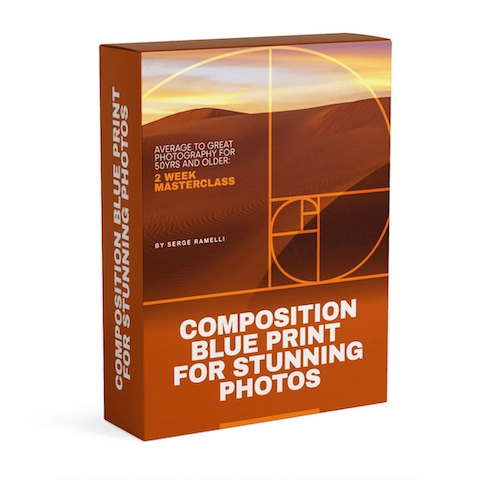
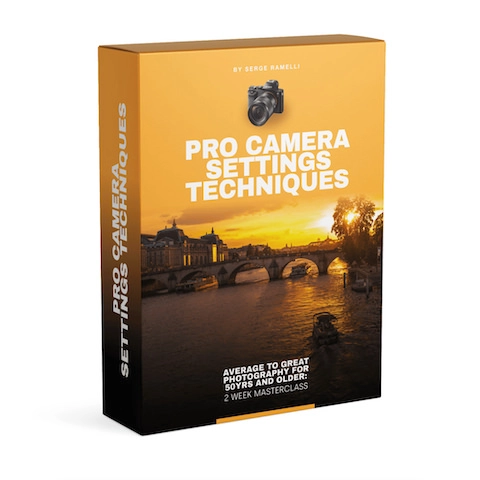
Average To Great Photography
Give your Photos that "WOW" factor
Photoshop
Lightroom
Online Course
by
Serge Ramelli
This offer is designed specifically for those who want to learn quickly and efficiently.

This offer is designed specifically for those who want to learn quickly and efficiently. I understand that finding the time to learn new skills can be challenging, especially with a busy schedule. That’s why I've crafted this masterclass to save you time and provide immediate results.

Learn more
Retails for
$
109.00
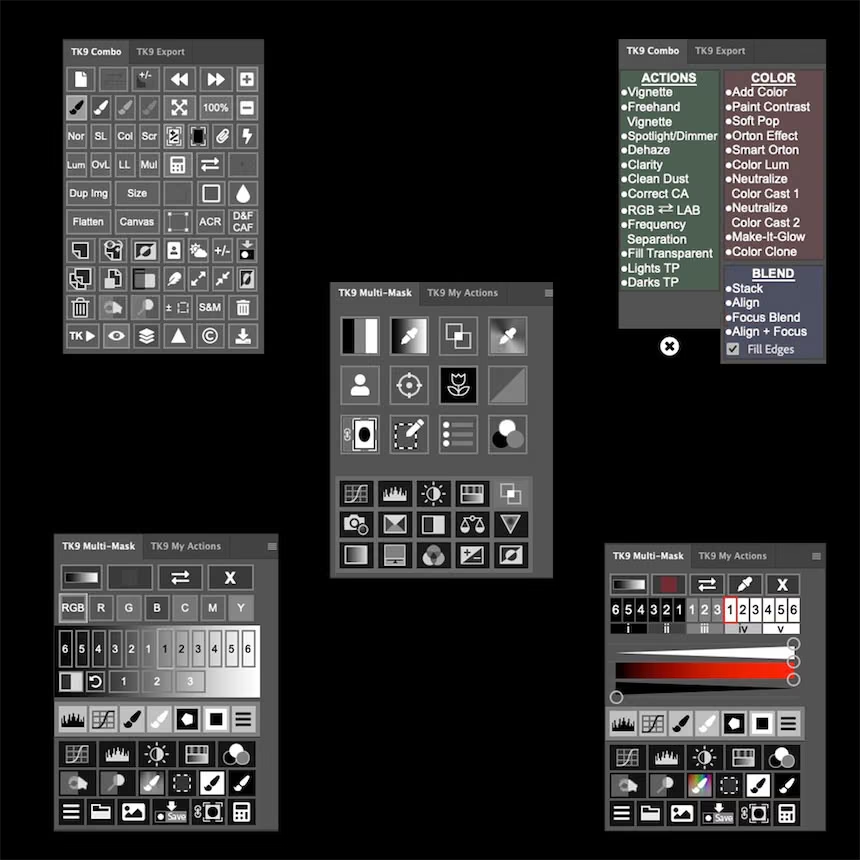
Mastering Landscapes Panos using TK9
Learn how to edit Landscapes using PS and TK9
Landscape
Photoshop
Video Tutorial
by
Antonio Prado Perez
Learn to enhance panoramic photos of Lofted Islands using Photoshop, Color Efex Pro, and TK9 plugin. Elevate your photography today.

Course Description:
Capture the breathtaking beauty of your panoramic shots and transform them into stunning works of art with our comprehensive course on post-processing. Join us on a journey to learn the intricate techniques of enhancing your panorama taken at the mesmerizing Lofoten Islands. Through the powerful tools of Adobe Photoshop, Color Efex Pro, and the innovative TK9 plugin, you will unlock the full potential of your panoramic photographs.

Course Benefits:
Elevate your panorama photography skills through comprehensive post-processing techniques.

Gain proficiency in using Adobe Photoshop for merging, aligning, and enhancing panoramas.

Unlock the creative potential of Color Efex Pro to infuse your images with captivating color schemes.

Harness the innovative TK9 plugin for advanced tonal adjustments and detail enhancement.

Build a portfolio of stunning panorama photographs taken at Lofted Islands.

Receive personalized guidance and feedback from experienced instructors.

Join a community of fellow photographers to share insights, challenges, and successes.

Whether you're a photography enthusiast looking to refine your skills or a professional seeking to create awe-inspiring panorama artworks, this course is your gateway to mastering the art of post-processing. Unveil the hidden beauty of your Lofted Islands panorama and take your photography to new heights. Enroll now and embark on a transformative learning journey!

Learn more
Retails for
$
97.00
FOCUS STACKING: Start to Finish
Maximize depth of field (full workflow)
Streaming Only
Post Processing
Landscape
by
Greg Benz Photography
Learn the complete focus stacking workflow from start to finish, including how to integrate it with exposure blending, RAW processing, dodging & burning, and finishing effects.

Learn the complete focus stacking workflow from start to finish, including how to integrate it with exposure blending, RAW processing, dodging & burning, and finishing effects.

Learn more
Retails for
$
98.00
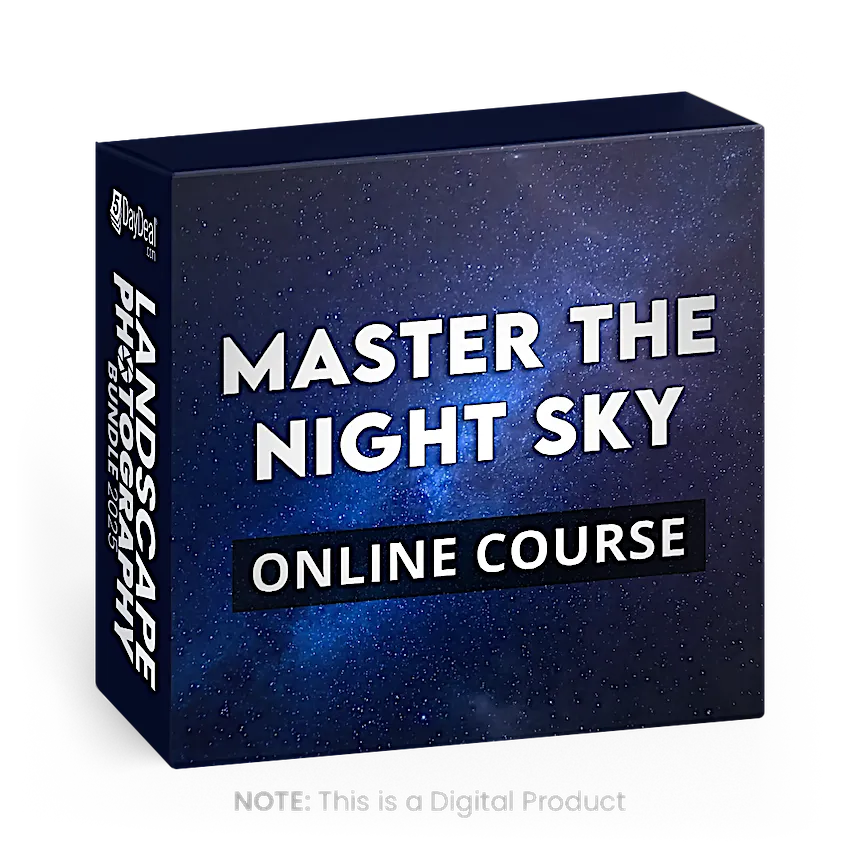
Master the Night Sky
Learn to Capture Stunning Astrophotography Images
Online Course
Techniques
Landscape
by
John Weatherby
This is the ultimate guide to capturing stunning star pictures and achieving incredible results with your astrophotography.

Master the Night Sky is the ultimate guide to astrophotography, starting with the absolute basics and then progressing to advanced lessons. This course goes over everything from the gear, planning, settings, shooting (in the field), editing (in the studio), and tricks for getting high-quality, star photos.

Learn more
Retails for
$
99.00
Dark Processing and Mastering the Mood
Dark Processing Masterclass
Landscape
Photoshop
Post Processing
by
Enrico Fossati
Dark Processing Masterclass is a collection of instructional videos to process landscape photographs with a dark and epic mood.

Dark Processing Masterclass is a collection of instructional videos to process landscape photographs with a dark and epic mood. I produced the first series of this kind of pictures back in 2013 and I released the first version of this video in 2017. Actually, Dark Processing is one of the most popular and imitated post-processing styles among landscapers. Now I produced a new and comprehensive bundle of videos about this technique for overhauling and transforming any landscape in an epic and cinematic scene.

The masterclass is composed of 5 Videos from start to finish for the duration of about 5 hours. The process explained is characterized by a strong artistic component where is needed a certain amount of manual work that once acquired the necessary skill is able to grant you the ability to develop your own unique pictures. 

The Software used in the videos is Adobe Photoshop CC2020, Adobe Bridge, ACR, DxO, Nik Collection, Topaz Detail, and Tony Kuyper TK7 Panel.

Learn more
Retails for
$
64.99
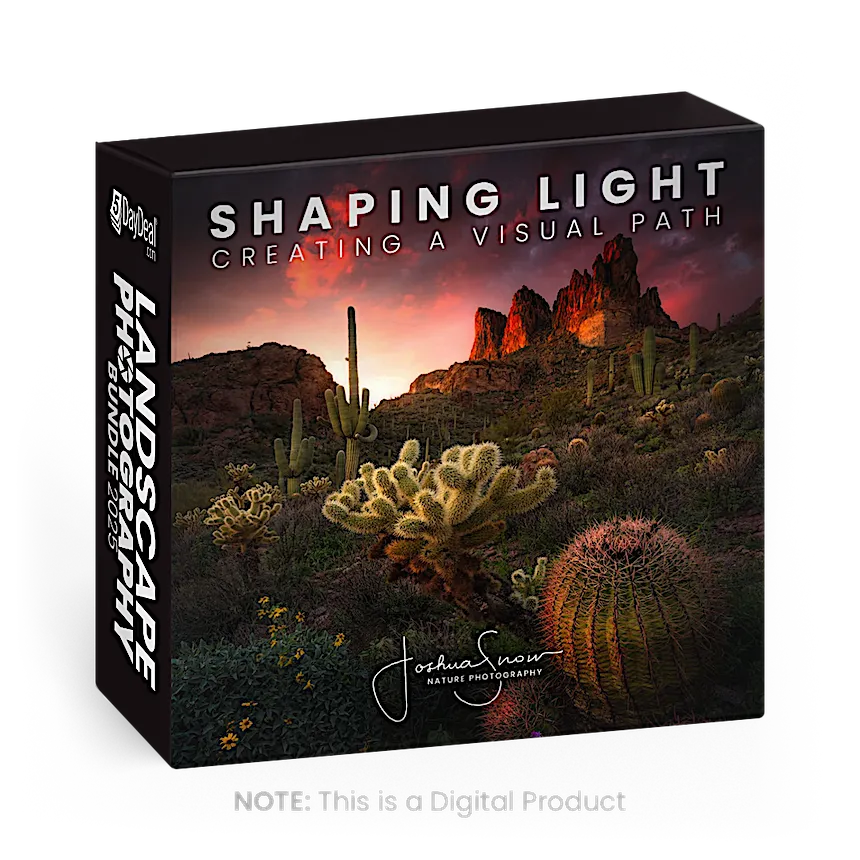
Shaping Light
Creating a Visual Path
Post Processing
Workflow
Techniques
by
Joshua Snow Nature Photography
This video tutorial shows you how strengthening the visual flow of an image will create so much more impact!

This video tutorial was meant to be more than your average how to instructional video. I really wanted to talk about the art of post processing at a higher level to understand why we do what we do to our images even without knowing it. I hope that the information in these videos will be useful in your growth as an artist and help change the way you think about post production.

CONTENTS:
- Introduction - Chapter 1: Laying the Groundwork in Adobe Camera Raw (ACR)
- Using gradient tools to begin emphasizing the visual path
- Using the Hue/Saturation and Luminance (HSL) panel to unify colors, the beginnings of a harmonious color palette
- Chapter 2: Bringing the Heat in ACR and Photoshop
- Temperature and Color Transitions with split-toning and double processing using luminosity masks
- Chapter 3: Working in the Contrast
- Using contrast adjustments with selections in Photoshop to apply localized contrast adjustments, increasing dimensionality
- Chapter 4: Dodging and Burning
- Using Contrast to dodge and burn with luminosity selections
- Using blend modes for creating atmosphere
- Using “Stamp Visible” layers and the Dodge and Burn Tools within PS and luminosity masks to create more separation, increasing dimensionality further
- Using blend modes to dodge with color, dodging details
- Chapter 5: Final touches
- Using NIK filters, Tonal Contrast, and Viveza
- Using ACR, final light shaping using gradients, global tweaks
- Special Effects, enhancing glow with the Orton Effect and luminosity selections
- Conclusion

The video chapters are encoded in the mpeg4 video format, a format that is compatible with just about any computer platform and digital media player. They should play using common media players such as Quicktime or Windows Media Player. If for any reason you have difficulty playing the videos on your computer try using VLC Player. VLC Player will play any media type and there are versions for both PCs and Macs. You can download VLC Player for free.

Learn more
Retails for
$
29.00
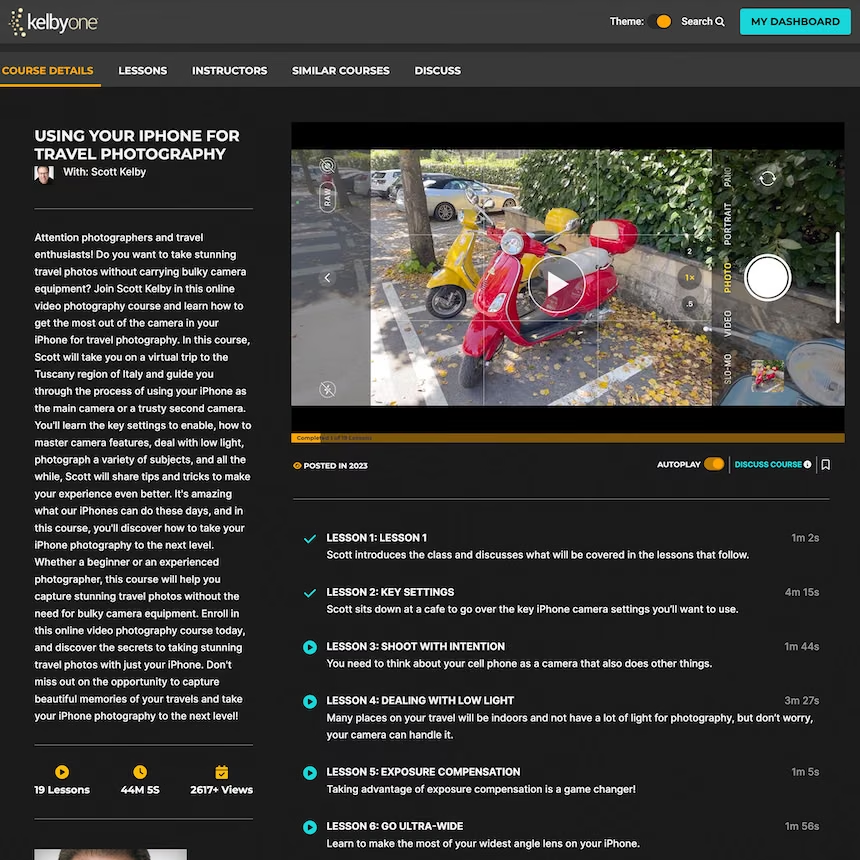
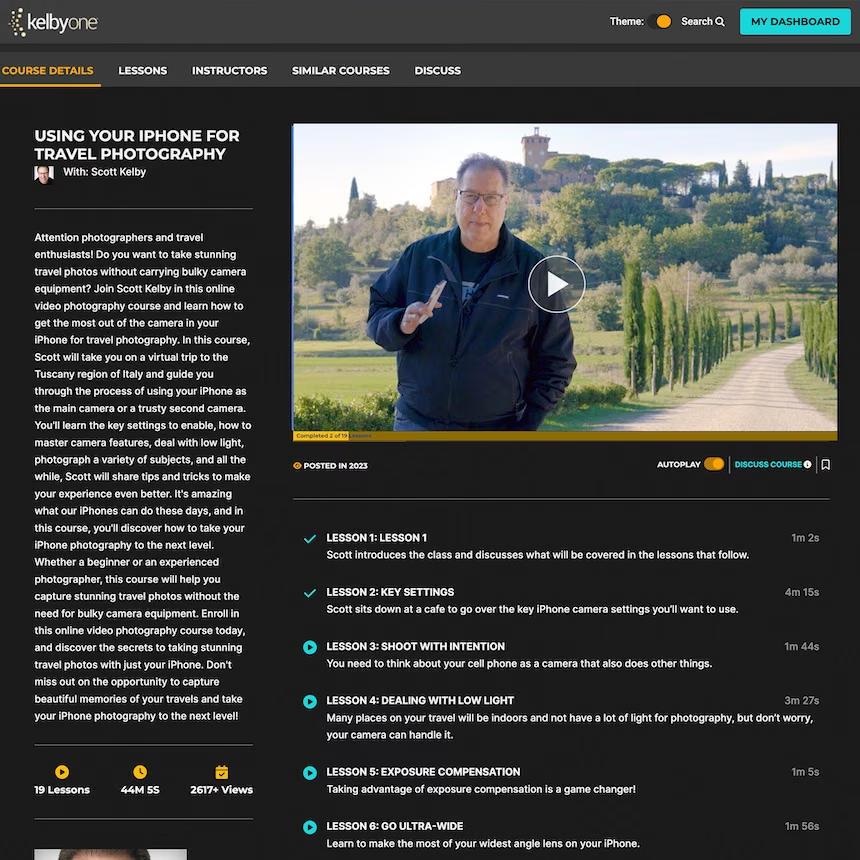
Using Your iPhone for Travel Photography
With Scott Kelby
Registration Required
Landscape
Inspiration
by
KelbyOne
Join Scott Kelby in this online photography course and learn how to get the most out of the camera in your iPhone for travel photography.

Attention photographers and travel enthusiasts! Do you want to take stunning travel photos without carrying bulky camera equipment? Join Scott Kelby in this online video photography course and learn how to get the most out of the camera in your iPhone for travel photography. In this course, Scott will take you on a virtual trip to the Tuscany region of Italy and guide you through the process of using your iPhone as the main camera or a trusty second camera. You'll learn the key settings to enable, how to master camera features, deal with low light, photograph a variety of subjects, and all the while, Scott will share tips and tricks to make your experience even better. It's amazing what our iPhones can do these days, and in this course, you'll discover how to take your iPhone photography to the next level. Whether a beginner or an experienced photographer, this course will help you capture stunning travel photos without the need for bulky camera equipment. Enroll in this online video photography course today, and discover the secrets to taking stunning travel photos with just your iPhone. Don't miss out on the opportunity to capture beautiful memories of your travels and take your iPhone photography to the next level!

Learn more
Retails for
$
29.00
Creating Timeless Travel Photography Images
By Scott Kelby
Registration Required
Photoshop
Online Course
by
KelbyOne
Learn how to bring romance and timelessness to your travel photographs.

Learn how to bring romance and timelessness to your travel photographs! Join Scott Kelby in Portugal as he takes you step by step through his process for finding, capturing, and editing travel photos to look completely timeless. In this class, you’ll learn how to look for the right locations, find the best camera angle, notice the distractions, and strategies for removing unwanted items with your camera and in post-processing. By the end of the class you’ll have developed the skill for putting all of this together on your next trip!

Learn more
Retails for
$
99.99
The Ultimate Lightroom Colors Course
Bring Your Photos to Life One Color At a Time
Post Processing
Lightroom
LUTs & Color Grading
by
Mark Denney
In this course, you’ll receive 10 video chapters covering 100+ min of content surrounding every aspect of enhancing colors in Lightrooom.

There are over 100 tools & sliders available within Lightroom and over half of these tools are dedicated to enhancing color within your photographs - that’s a pretty big leading indicator as to the overall importance that color plays within photography. But with so many editing tools and at our disposal, it’s easy to become quickly overwhelmed with how best to use them all in order to get the best color possible out of your RAW files.

In this video course, you’ll receive a total of 10 video chapters covering over 100 minutes of teaching content surrounding every aspect of enhancing color within your photographs using Lightroom. In this masterclass, we’ll discuss the importance that color plays within photography, along with not only how to use each color enhancing tool inside of Lightroom, but also best practices associated for using each of them.

Learn more
Retails for
$
40.00
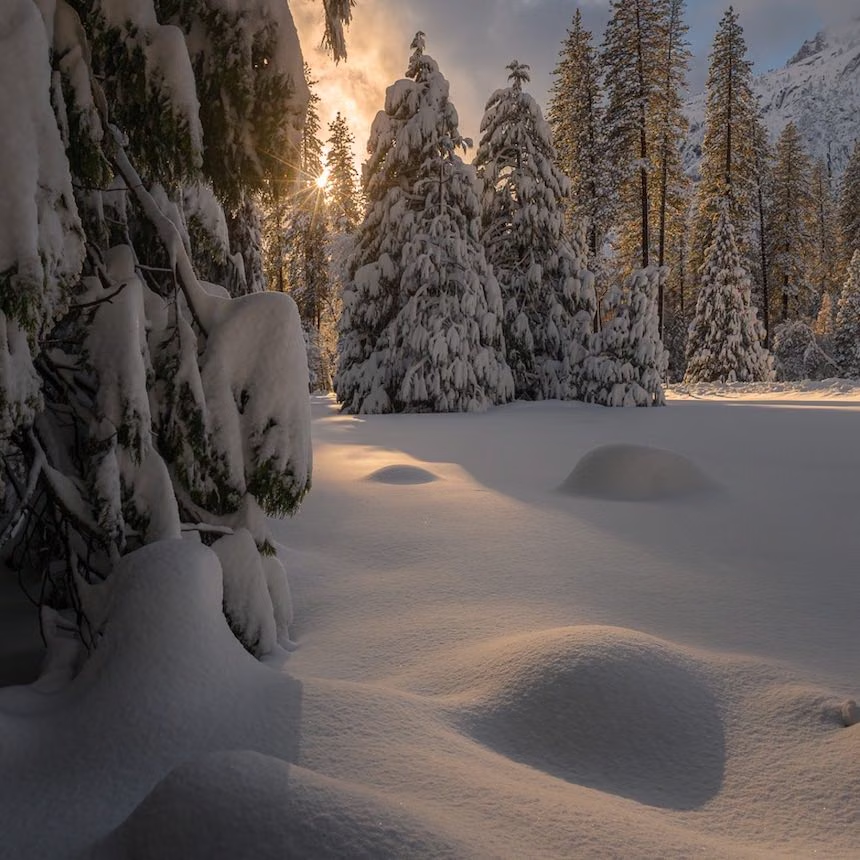
Yosemite Window of Light
Start To Finish Adobe Lightroom and Photoshop Tutorials
Photoshop
Lightroom
Post Processing
by
Chris Ewen Crosby
Just over 1.5 hours of instruction is included in this complete workflow tutorial video using Adobe Lightroom. Go from RAW to Finished work in these step-by-step demonstrations.

A complete workflow tutorial video using Adobe Lightroom Only. In this video, Chris takes you from RAW to Finished Edit, showing you everything necessary to complete the image. He goes step-by-step through his complete Lightroom process and introduces how he uses adjustment tools to target adjustments to only the areas he wants them. He shows you how he uses Lightroom, tips and tricks for each panel, and talks about the do’s and don’ts.

Consider this a more intermediate to advanced course in Lightroom. Students should have a basic understanding of Lightroom, but he does touch base on some of the basics.

Topics Covered
- RAW Editing / Prep
- Sharpening and Noise Reduction
- White balance correction
- Camera Profile Correction
- Toning
- Coloring
- Using Adjustment Tools for refined adjustments
- Finishing Effects
- Vignetting
- Using the Spot Removal Tool

Learn more
Retails for
$
49.95
Lightroom Masks: Unlock the Potential
From Good to Great: Maximize the Power
Lightroom
Post Processing
Landscape
by
Mark Denney
Learn how to maximize the effectiveness of the Masking and Range Mask Panel to create powerful local adjustments.

Lightroom has become one of the most powerful editing tools available for photographers and with the recent upgrades to the masking and filter capabilities, this incredible editing platform is now more impressive than ever.

In this tutorial series, you’ll learn everything you need to know about the Linear Gradient, Radial Gradient, Adjustment Brush, the new Sky and Subject AI tools along with the different methods to apply each of them and how to maximize their effectiveness. But most importantly, we’ll discuss the many ways to refine these filters using the Luminance and Color Range Masks to create highly targeted local adjustments. The difference between global adjustments and local adjustments may seem like a seemingly small detail, but these are the things that separate good photos from great ones.

Course Outline:

Chapter 1: Introduction
Chapter 2: Overview of the Masking Panel
Chapter 3: How to Apply and Refine a Range Mask
Chapter 4: Luminance Range Mask Case Study
Chapter 5: Color Range Mask Case Study
Chapter 6: Which Range Mask is Best?
Chapter 7: Summary & Conclusion

Learn more
Retails for
$
60.00
Elephant Milky Way
Start To Finish Adobe Lightroom and Photoshop Tutorials
Photoshop
Lightroom
Post Processing
by
Chris Ewen Crosby
Almost 3 hours of instruction is included in this complete workflow tutorial video using Adobe Lightroom and Photoshop. Go from RAW to Finished work in these step-by-step demonstrations.

Note: Starry Landscape Stacker App is required to get the full benefit of the Elephant Milky Way tutorial. This is a Paid App and not included with your bundle purchase.

A complete workflow tutorial video using both Adobe Lightroom and Photoshop. In this video, Chris takes you from RAW to Finished work, showing you everything necessary to complete the image. He goes step-by-step through his complete Photoshop editing process. He starts by stacking multiple photos in Sequator*, an alignment tool for stars on PC, then he merges a focus-stacked foreground for sharpness. Then he combines his sky and foreground stacks into one image and edits it almost completely in Photoshop. Along the way, he introduces how he uses luminosity masks to target his adjustments, how he colors his images, and how he uses dodge and burn. He also introduces the Nik Collection, an add-on to Adobe to help finish his photos. Consider this a more intermediate than a beginning course in photoshop. Students should have a basic understanding of Photoshop, including tools, layers, adjustment layers, and masks, but some of the basics are discussed. In the past, students who have virtually no photoshop experience were able to follow along just fine.

*If you are on MAC, a link to a separate tutorial on how to use Starry Landscape Stacker, the MAC option for Sequator, is provided.

TOPICS COVERED
- RAW Editing / Prep
- Sharpening
- Noise Reduction
- Camera Profile Correction
- Stacking for Noise Reduction with Sequator or Starry Landscape Stacker
- Using Luminosity Masks - Free Photoshop Action Included to create your own!
- Using Layer Modes, Blend If, and Masking
- Toning using Curves, Levels or Selective color
- Coloring
- Dodging and Burning
- Finishing your image
- Using Nik Collection
- The Orton Effect
- Vignetting
- Star Reduction Method

Learn more
Retails for
$
60.00
Joshua Tree Start to Finish
A complete workflow tutorial
Post Processing
Photoshop
Lightroom
by
Chris Ewen Crosby
A start-to-finish tutorial using Adobe Photoshop and Lightroom with 2.5 hours of instruction.

A complete workflow tutorial video using both Adobe Lightroom and Photoshop.

In this video, I take you from RAW to Print, showing you everything necessary complete the image. I go step-by-step through my complete photoshop process and introduce how I use luminosity masks to target my adjustments to only the areas I want them. I also introduce the Nik Collection, an add-on to Adobe to help finish my photos.

Consider this a more intermediate than a beginner's course in photoshop. Students should have a basic understanding of Photoshop, including tools, layers, adjustment layers, and masks, but I do touch base on some of the basics. Not quite ready for photoshop? Read a review below from a student who used lightroom only before this tutorial.

KNOWLEDGE NEEDED:

Some RAW Editing Experience in Lightroom/Camera Raw

Some Photoshop Experience

Some knowledge of Layers, Blending Modes, Masks, and photoshop tools. However, some basic instruction is given on these topics.

TOOLS NEEDED:

The most up-to-date versions of Adobe Lightroom and Photoshop are recommended (some features may not be available to you if not)

Download my free luminosity mask action

I use the Nik Collection to finish my images, there is a free and paid version available for download. I used the free version in the video

Topics Covered:

  • RAW Editing / Prep
  • Sharpening and Noise Reduction
  • White balance correction
  • Camera Profile Correction
  • Using Luminosity Masks - Free Photoshop Action Included to create your own!
  • Using Layer Modes, Blend If, and Masking
  • Toning
  • Coloring
  • Dodging and Burning
  • Finishing your image
  • Using Nik Collection (Note: Some activity during the tutorial will require this Effect Collection, but it isn't absolutely necessary)
  • The Orton Effect
  • Soft Glow on the horizon
  • Vignetting
  • Removing items using various tools
Learn more
Retails for
$
99.00
A Journey Into The World of Forests
A Journey into the world of forests
Landscape
Photoshop
Inspiration
by
Enrico Fossati
The masterclass will talk about inspiration, and processing forest scenes to render them with a special fantasy and painterly style.

A Journey into the World of Forests is a collection of instructional videos to process forest landscape photographs with a particular fantasy and painterly feeling I developed over the years. After many years I spent shooting forests and streams I decided to build a collection of videos focused on this particular genre of photography that I particularly love. The masterclass will talk about inspiration, and processing forest scenes to render them with a special fantasy and painterly style.

The masterclass is composed of 6 Videos plus an introduction in which I explain from start to finish the process of the images for a duration of about 6 hours. The process explained is characterized by a strong artistic component where a certain amount of manual work is needed. Once acquired, the necessary skill can grant you the ability to develop your own unique pictures. 

​

Learn more
Retails for
$
97.00
Florida Skies
Astonishing Sky Replacements
Photoshop
Video Tutorial
Post Processing
by
Serge Ramelli
Over 100+ Astonishing Medium Format 8K Skies

"Find Out The SECRET To Getting GALLERY-Quality Photos That All The Pros Keep Hidden In Plain Sight..."

Over 100+ Astonishing Medium Format 8K Skies. 

Give your images the dramatic, epic look you really want with a library of over 100+ vibrant, ultra-HD skies.

Choose from four distinctive looks to complete your project: Sunset, Golden Hour, Blue Hour, and Dramatic.

Blue Hour ($67 Value)
Golden Hour ($67 Value)
Sunset ($67 Value)
Dramatic ($67 Value)
Bonus - Florida Skies Training ($97 Value)

Easy Install
Purchase includes an easy to follow, step by step installation video for Windows and Mac.

From Around The World
These collections are built from Serge's actual photos from around the world.

Compatibility
Fully compatible with Photoshop, Lightroom Classic, Lightroom CC, Lightroom Mobile and older versions of Lightroom such as Lightroom 4, 5 and 6.  

Learn more
Retails for
$
10.00
$10 Creative Highway Credit
Good for 3 months
Online Tool
Online Course
Landscape
by
Get a unique, one time use coupon code for any course with a value of $15 or more available on Creative Highway! Think of it like a$10 cash back on your bundle purchase! Just one more reason to purchase the bundle. Enjoy!

Get a unique, one time use coupon code for any course with a value of $15 or more available on Creative Highway! Think of it like a$10 cash back on your bundle purchase! Just one more reason to purchase the bundle. Enjoy!

Small Print that is the same size as the normal print 😉:
*$15 minimum spend required. Course products only.
Does not include VAULT Membership, Cheat Sheets or Download Access products. Expires June 9, 2025

Learn more
heY, you! If you don't grab your bundle by noon Pacific Time on March 11th, You'll miss your chance completely!
Your chance to purchase runs out At Midnight Pacific Time on March 11th! [BONUS TIME]

Includes Main Bundle + Pro Bundle

Only $47 More For The

Pro Bundle Logo

Worth $2,000+

Pay just $84 total for $2,000+ in value
‍


The PRO Bundle Includes:
‍

  • Everything in the MAIN Bundle
  • $2,000+ Worth of Photo Tools & Resources
  • 70+ Hours of In-depth Photo Tutorials
  • 168+ LUTs & Tools
  • Lightroom and Photoshop courses
  • Training from the World's Best
  • Enjoy Knowing You've Helped Charity
  • So much more!
heY, you! If you don't grab your bundle by noon Pacific Time on March 11th, You'll miss your chance completely!
Your chance to purchase runs out At Midnight Pacific Time on March 11th! [BONUS TIME]

Includes the Main Bundle with 18 products plus the PRO Bundle 17 additional professional products

All prices in USD

Make today be the day you take your craft to the next level.

Happy Customers Faces
Seen enough?  Don't delay.  Take Action.
You Will Not Regret It!

Creatives love that our bundles: 

Stay Ahead Working Creative Image
Help them stay ahead of the curve.

Driven by AI advancements, the photography industry is evolving at warp speed. Keeping abreast of the latest trends is imperative if we are to survive as photographers. This bundle provides tools and knowledge necessary stand out among your photography peers.

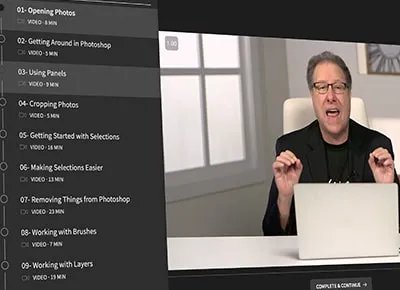
Course Lesson Layout Demo
Provide the tools needed to support their craft.

Photography resources can be prohibitively expensive. Our bundles offer a range of resources, from editing tools to tutorials and everything in between—all at a super low price point. You'll have access to everything needed to finally hit those photo creation goals!

Charity Impact Image
Raise funds for multiple charities.

What’s better than receiving? Giving, of course. If you can do both at once, you’ve hit the jackpot. Up to 10% of the price of EVERY bundle purchased will support those in need through financial donations to multiple charities. ...and those warm and fuzzy feelings come at no extra cost!

Our bundles are one-of-a-kind and available for 5 days only.

We partner with influencers, brands, photography pros, and educators who have some of the most sought-after products—the kinds of products you're unlikely to find at a discounted price at any other time throughout the year.
Get Your Bundle

Every bundle purchase supports charity

We donate up to 15% of our profits to charity
$3,000,000+ Donated since 2014!  Thank you!

With the purchase of one of our bundles, you could become a 5DayDeal #DifferenceMaker today!
We believe education is incredibly important for everyone, not just photographers. So this year, we will be donating a portion of each sale to provide opportunities to those in need.
THANK YOU for your purchase and support of our remarkable charity partners.

Here's how you grab these courses & plugins for 4% of their retail cost.

Choose the right bundle for yourself

Start with the Main Bundle, a $1000+ value, and take your photography to the next level with our exclusive Pro Bundle upgrade. Worth over $2,000, this ultimate collection offers even more premium resources, expert training, and powerful tools.

Access your new resources during the Main Event

With over a year’s worth of training and materials, why wait to get started? Course access will be available after pre-order, beginning during the Main Event on March 7th at Noon PT. No need to wait for shipments—dive into the resources as soon as they’re released!

Put your photography investment  to work

Photography spans far beyond  a vision and camera. Continuous learning and effective promotion are essential. This bundle has the tools you'll need to stay at the forefront of industry trends and technology.

Dramatically improve your photography for less than you spend on your monthly cell phone bill.

The Landscape Photography Bundle and its upgrade is available at just 4% of their retail prices. But remember, this exclusive offer is only available for 5 10 days. Get this comprehensive collection of world-class tools and resources bundled together before it disappears.

Grab Your Bundle Here

A SNAPSHOT OF OUR BUNDLES

World-class partnerships

Plenty of bundles look good on the surface. After all, a huge discount is hard to resist.

But with ours, you’re getting real value. With contributions from experts like Mark Denney, Antonio Prado Perez, Greg Benz Photography, and KelbyOne, you can trust that this bundle delivers quality you can count on.

Unbeatable discounts

There are plenty of bundle deals out there. Unfortunately, when the deal is continuously available, the products are often subpar at best.

By limiting our sales to just 5 10 days , we are able to provide high-quality products from some of the biggest names in the biz and offer them all together at a CRAZY LOW PRICE!

Unbeatable discounts

Some video creation bundles are no exception. Sites that always have good deals tend to have subpar products, unfortunately.

The way we package and structure our bundles lets us provide the lowest prices and the best products.

Around the clock streaming access.

You have a year to stream content with the included Vault Membership. Want to download your favorites? No problem; just grab the Download Access Pass in checkout and the downloadable products are yours to keep.

Alternatively, once your Vault Membership expires, you can retain streaming access by renewing at a low monthly cost.

‍NOTE: While 90%+ of tutorial files are downloadable with the Download Access Pass available as an option in checkout, there may be some tutorials on our platform and on partners' platforms that are streaming only.
These are marked above with one of the following tags:

REGISTRATION REQUIREDSTREAMING ONLY

It's time you got more bang for your buck

Streaming access

You'll have a full year to stream courses from your 5DayDeal Portal with ease. If that isn't enough time, you can renew in a year for as little as $4 a month.

Lifetime support

Trying something a little out of your wheelhouse? One of the tools just not clicking? No worries, you can contact us any time.

Instant download upgrade

If you would rather download your courses & tools, the Download Pass upgrade might be right for you.  Access all downloadable content as quickly as your internet connection allows and own it forever.

Exclusive deals for creatives

You'll be immediately inducted into the 5DayDeal #DifferenceMaker VIP network, giving you continuous access to a non-indexed website filled with fantastic discounts for creatives (many not found anywhere else).

5DayDeal guarantee

For our first-ever themed bundle, we’re bringing back the best of the best! While we usually offer all-new content, this Greatest Hits collection features top-quality resources from past bundles—proven favorites that our community loves and that deliver incredible value.

Trusted quality

Our partners have impressive track records. You won't have much luck finding discounts on their products anywhere else.

TESTIMonIALS


See what 120,000+ customers have to say about our bundles

Here are just a few.  Enjoy!

★★★★★

I absolutely LOVE 5DayDeal. They gave me clarity at a time when I needed it most in terms of choosing a career path, which was in October of 2022. Seeing how professionals do things (yes, professionals, as those who are behind 5DayDeal *never* skip quality) gave me insight into industries I would have never had the chance to see without paying astronomical amounts of money (in my eyes, at least). They care about the people, not the money. 10% of their earnings go directly to charity. There's passion, love, a lot of unseen hard work and dedication behind these people. I love that about them and support them 100%!

Sydney Jones
Green Check
| Verified Purchaser
One of our 120,000+
Happy 5DayDeal® Customers
★★★★★

I am super excited and grateful to have been a part of a 5DayDeal Event - it was a very smooth experience, and very beneficial. The team at 5DayDeal are very professional and provided all the necessary tools for us to hit a home run - it almost felt like we did very little work and reaped so many benefits :) An amazing experience, we hope to be a part of again next year! Thank you again for the incredible opportunity to also meet other creators and help our little blog and product reach so many people and potentially change lives!

Ogy Stoilov
Green Check
| Verified Purchaser
One of our 120,000+
Happy 5DayDeal® Customers
★★★★★

Such a great opportunity to own a tonne of pro gear that would help jump start a young cinematographer's business! I’m currently studying cinematography in Madrid and I'm desperate to get myself up and running. This would be a massive help, cinematography isn't only my career but my passion! Keep them coming!!

Joel Capes
Green Check
| Verified Purchaser
One of our 120,000+
Happy 5DayDeal® Customers
★★★★★

These deals are incredible! Such a great value for the price! When you're on a budget, these deals are a lifesaver because you get so much stuff for the price of just one product. As an aspiring filmmaker, the video creators bundle will give me all of the resources I need to hone my craft. So much better to have all these training materials in one place than wasting time scouring the internet to find free versions that usually are just excerpts from full courses. Thank you 5DayDeal!

Jose Sosa
Green Check
| Verified Purchaser
One of our 120,000+
Happy 5DayDeal® Customers
★★★★★

Look in the dictionary under "no brainer", and you'll find a link to the 5DayDeal Video Creators Bundle. 97 bucks for over 2 grand in stuff? Yeah, sign me up. Actually, it might be too good of a good thing. I'm going to be spending so much time learning new, killer stuff, my bottom line will probably take a hit in the near term. But that's a problem I'm happy to have since I'm in this for the long haul, and the more you learn the easier--and more enjoyable--the journey.

Robert Campbell
Green Check
| Verified Purchaser
One of our 120,000+
Happy 5DayDeal® Customers
★★★★★

Love the way deals are made 5DayDeal. Such a convenience to have a bunch of courses, tutorials, etc from pro's from within the industry! I like learning and 5DayDeal gives me the chance to do it in a more budget-friendly way!

PLUS, the big plus... they always hook a charity cause on the bundles!
‍
I'm a fan!

Christophe Coppens
Green Check
| Verified Purchaser
One of our 120,000+
Happy 5DayDeal® Customers
★★★★★

Absolutely fantastic bundle and I have to say you will kick yourself if you miss it. For the amazing price you will have access to tons of professional resources to help build your filmmaking skills, whether its using a DSLR or cinema quality camera. This will also drastically help with post production with access to The Filmmakers Process, LUT Gallery and some amazing LUts to go along with it.  Don't miss it!

Conor Higgins
Green Check
| Verified Purchaser
One of our 120,000+
Happy 5DayDeal® Customers
★★★★★

I happily found out about this offer as a member of Shane Hurlbut's Inner Circle and was really impressed by the depth and range of the offering. This deal is one of the best collections of training that I have ever seen. Amazing amount of material from the best of the best in the business at an amazing price while helping charity awesome job guys! Will gladly be a buyer next year as well.

Dan Swift
Green Check
| Verified Purchaser
One of our 120,000+
Happy 5DayDeal® Customers
★★★★★

I am super excited about diving into this content!! The signup process was very smooth and this bundle is stacked with goodies!! I love to learn and this package is full of incredible teachers!! I will be back with reviews on the content that pertains to my work! Thanks Guys!!!

James Faught
Green Check
| Verified Purchaser
One of our 120,000+
Happy 5DayDeal® Customers
★★★★★

Wow, really amazing stuff! So much knowledge in one package is almost unbelievable. Normally I spend hours and hours online to watch different tutorials on different channels. This is the first time experts in different areas join forces and create a powerful platform. The one stop video shop is born! Thanks again you are awesome!!

Martijn Bruyns
Green Check
| Verified Purchaser
One of our 120,000+
Happy 5DayDeal® Customers
★★★★★

What a great offer! I was just looking at getting some LUT packs from CGC, this offer includes those and so much other info... A course from Shane Hurlbut, ASC, Yes please! I have already used the value of this program by upping my LUT gallery, now to delve into the wealth of Info provided, looking forward to added some aerial shots to our next film... this should be just the ticket.

Miles Crossman
Green Check
| Verified Purchaser
One of our 120,000+
Happy 5DayDeal® Customers
★★★★★

This is an awesome bundle not only for beginners but also for advanced filmmakers! I really love the fact, that there's content from Shane Hurlbut, who usually gives deep insight into his topics. Not only are there quite a lot of educational resources included, but also some quite useful products like Lut-Packs and software. Thank you!

Nico Schrenk
Green Check
| Verified Purchaser
One of our 120,000+
Happy 5DayDeal® Customers
★★★★★

This is such an unreal deal! It is awesome to have offers and deals like these for smaller video teams! Having access to these great offers allows us filmmakers to better our craft and help our work reach a bigger audience, thus getting our businesses more attention and hopefully more work. A huge thanks is in order to all the folks who put this together! 😁
Shane Doyle
Green Check
| Verified Purchaser
One of our 120,000+
Happy 5DayDeal® Customers
★★★★★

This is essential for every cinematographer out there! The deals offered are just a no brainer for anyone in the industry to purchase. The resources provided are definitely an investment for anyone, both beginners and experts. Another thing is that it's only here for just once. So better grab the deal, content creators!

Syabil Ng
Green Check
| Verified Purchaser
One of our 120,000+
Happy 5DayDeal® Customers
★★★★★

This is the second year I have purchased this deal and there is no reason any filmmaker, story teller, or video editor in general should not take advantage of this offer. Even if only one of the offerings is something you want but the whole deal can take your skills to the next level. I look forward to the new deals every year!!

Tom Bogaert
Green Check
| Verified Purchaser
One of our 120,000+
Happy 5DayDeal® Customers
★★★★★

This is the bundle that nobody can miss… I have been waiting for it since last year!
So, if making movies is what gets you up in the morning, this is the bundle you should get. Don't overthink it or it will be too late. What else could you look for?

Victor Bottacco
Green Check
| Verified Purchaser
One of our 120,000+
Happy 5DayDeal® Customers
★★★★★

As a video creator, you cannot beat the 5DayDeal for value!  You'll literally save thousands on the assets, software, classes and tutorials included, plus the knowledge and skills you'll gain will be invaluable.  If you want to step up your filmmaking this year, definitely don't miss out on the 5DayDeal offer!

Alex O'Daly
Green Check
| Verified Purchaser
One of our 120,000+
Happy 5DayDeal® Customers
★★★★★

I love 5DayDeal! Their discounts are not only amazing, but the diversity of their selection is mind blowing too. They have helped me take the preliminary steps towards learning how to shoot cinema so that I can FINALLY start shooting that horror movie of my dreams. Will be a happy customer (and fan) forever!

Colby R. Rice
Green Check
| Verified Purchaser
One of our 120,000+
Happy 5DayDeal® Customers
★★★★★

I loved this bundle last year! Great teachings and products. The amount of value is incredible. The fact that profits go to charity makes it even more feel good. Love that a ton of the top cinematographers and companies all participate in this. 5DayDeal is legit and all cinematographers need to participate in this at least once!

Ryan Ao
Green Check
| Verified Purchaser
One of our 120,000+
Happy 5DayDeal® Customers
★★★★★

I've taken advantage of the 5DayDeal offerings many times over the years, and I've never once regretted it. I always come away with excellent learning materials and time savers to help me to continue growing as a video professional. There's always so much more to learn. 5DayDeal helps clear out the dirt and deliver the gems.

Anthony Harden
Green Check
| Verified Purchaser
One of our 120,000+
Happy 5DayDeal® Customers
★★★★★

This is amazing resource for artistic and creative filmmakers, I found a lot of  tips!!! I have been filming for 10 years and i find this platform very useful for myself and any other type of filmmakers! It will definitely help you to achieve your goals!!! Very affordable prices, packages are nicely assembled and easy to use and learn! Thank you!

Nick Vakhouski
Green Check
| Verified Purchaser
One of our 120,000+
Happy 5DayDeal® Customers
★★★★★

Fantastic Value, Great Resources & Huge Learning Curve Ahead - This is an amazing package of useful video tools and resources will help you improve your technical & filmmaking making skills. Does not matter your level of experience, these tools will take you to the next level. So impressed by this program - such a great online opportunity to engage in your craft.

Penny Moore
Green Check
| Verified Purchaser
One of our 120,000+
Happy 5DayDeal® Customers
★★★★★

What a boatload of great resources! I am always looking for rich teaching materials and 5DayDeal gives me exactly that. What is great about it is that you get a wealth of material that you don't find on YouTube or anywhere else! Many of the materials come from experts in the field of video production and draw on years of personal experience!

David Anderson
Green Check
| Verified Purchaser
One of our 120,000+
Happy 5DayDeal® Customers
★★★★★

Never have I gotten so much stuff I needed for such a cheap price and supporting a great cause. Literally, the best thing a filmmaker like me could have.

Caleb Flores
Green Check
| Verified Purchaser
One of our 120,000+
Happy 5DayDeal® Customers
★★★★★

I love 5DayDeal and give it five stars, because you get hundreds of dollars worth of amazing filmmaker assets, for an amazing discount and price!!!!!!!!!!!!!! At the same time you get to donate to charity!!! Thank you guys so much for doing this, this bundle will serve me well for many many years! I can't wait to see what you guys do next!

Caden Koehl, 11 Yrs Old
Green Check
| Verified Purchaser
One of our 120,000+
Happy 5DayDeal® Customers
★★★★★

I have purchased the Video Creator's Bundle twice and I have learned so much. The price is such an amazing deal. The bundle is packed with value for novice and seasoned professionals alike. This is a must-have for anyone that uses a camera or a smartphone to capture video. I have only been creating content for about three years and a good percentage of the knowledge I've gained has come from using the resources provided in this bundle. Not to mention, you're contributing to a good cause. A total win-win.

Quin Parmer
Green Check
| Verified Purchaser
One of our 120,000+
Happy 5DayDeal® Customers
★★★★★

Such a brilliant idea, creatives can purchase some high end professional development training programs at a really affordable price point and support some amazing charities at the same time.

‍The training available through the 5DayDeal is incredible and absolutely priceless for anyone in the video creation game!

Adam Griffith
Green Check
| Verified Purchaser
One of our 120,000+
Happy 5DayDeal® Customers
★★★★★

This is truly a fantastic opportunity for all filmmakers out there to be able to use so many useful resources that never seemed possible before. We all know how much our budget limits how much we can learn and fulfill, and 5DayDeal feels like a dream come true. I can’t thank all the groups and contributors who made this all possible enough!

Michael Sivvianakis
Green Check
| Verified Purchaser
One of our 120,000+
Happy 5DayDeal® Customers
★★★★★

I cannot imagine a better deal for filmmakers right now than this one. If you have ever wanted to get into filmmaking but were not sure of which tools to start with, look no further. This deal has everything you need and more to ensure that you are creating quality content that will blow your audience away.

Adrian Nuño
Green Check
| Verified Purchaser
One of our 120,000+
Happy 5DayDeal® Customers
★★★★★

One of the best investments we’ve ever made. Great tools at a great price from great people. We’ve picked up two packages over the last few months. One for video and the other for photography. We couldn’t be more pleased. 5DayDeal is a huge asset to start ups like us. Thank you for all you do for the creative community.

Rodney Smith
Green Check
| Verified Purchaser
One of our 120,000+
Happy 5DayDeal® Customers
★★★★★

It’s been helping me grow my skills as a videographer and has taken my quality to the next level. I can’t express my gratitude to you guys. Y’all are amazing at what y’all do and are just so great!!

Emmanuel Erj
Green Check
| Verified Purchaser
One of our 120,000+
Happy 5DayDeal® Customers
★★★★★

This bundle is great! It offers many things which I need as a filmmaker, and many tools which allow me to keep furthering my career without the need of film school. This is exactly what I was looking for, and it is great that this kind of package is offered to us on a low budget. Thank you for everything!

Kacper Cebula
Green Check
| Verified Purchaser
One of our 120,000+
Happy 5DayDeal® Customers
★★★★★

First time when I order something like this. It seems to be amazing, a lot of stuff! I don't know how you guys did this but I'm thankful. I believe it worth the money! Great deal! It's a good investment for a filmmaker, I'm excited to have so many lessons from professional filmmakers.

Alexandru Nazarie
Green Check
| Verified Purchaser
One of our 120,000+
Happy 5DayDeal® Customers
★★★★★

I think it's a well curated bundle that will be very useful to any filmmaker. It's great that 5DayDeal makes essential gear more available by sourcing products from selected partners whilst promoting the brands we all love. They also donate to charities and every customer gains access to high quality educational tools and resources. It truly is a win-win-win!

Jerzy Gudjonsson
Green Check
| Verified Purchaser
One of our 120,000+
Happy 5DayDeal® Customers
★★★★★

Great way to get filmmaking education and products! The products are all well made and easy to use. In filmmaking any gear that helps get the job done smoothly and more easily is always welcomed. I also love the fact that you tailor your education and gear towards filmmakers and photographers because in this time and age many professionals are required to know and do both.

John Yew
Green Check
| Verified Purchaser
One of our 120,000+
Happy 5DayDeal® Customers
the opportunity to purchase this bundle will ENd on March 11th at noon PAcific.
the opportunity to purchase this bundle will be gone on March 11th at MIDNIGHT pacific TIME [BONUS TIME]

Choose your bundle.

Save $1,000+
$1,000+
Only
$77
.
  • MAIN BUNDLE
  • 100+ High Quality Videos
  • $1,000+ in retail value
  • Discounted 95%+
  • You Save $1000+
  • Pay only $77
Select Main Bundle
[Main Bundle Only]
Save $2,000+
$2,000+
Only
$124
Just $47 more than the MAIN BUNDLE
  • MAIN BUNDLE
  • PRO BUNDLE UPGRADE
  • 260+ High Quality Videos
  • $1,000+ in additional value
  • $2,000+ in retail value
  • Discounted 96%+
  • You Save $2,000+
  • Pay only $124
Select Pro Bundle
[Main + Pro]
Best Value
All prices in USD

FAQs

When does this deal end?
Are there going to be more sales like this?
What if I’m not happy with the product?
How long do I have access to stream and download?
How long will it take to download?
Can I purchase if I don’t live in the US?
How soon do I get access?
This sounds too good to be true. What’s the catch?

Thank you to our Prime Sponsors for this sale!

Enter our $10,000+ Giveaway

9764

Meals Given
So Far!

Meals Donated So Far!

40197

Secs Of
Research

Secs of Research So Far!

9554

To Be
Donated

To Be Donated So Far!

Buy Now

BONUS TIME ENDS IN:Sale Ends In

--

Days

--

HRS

--

MIN

--

SEC